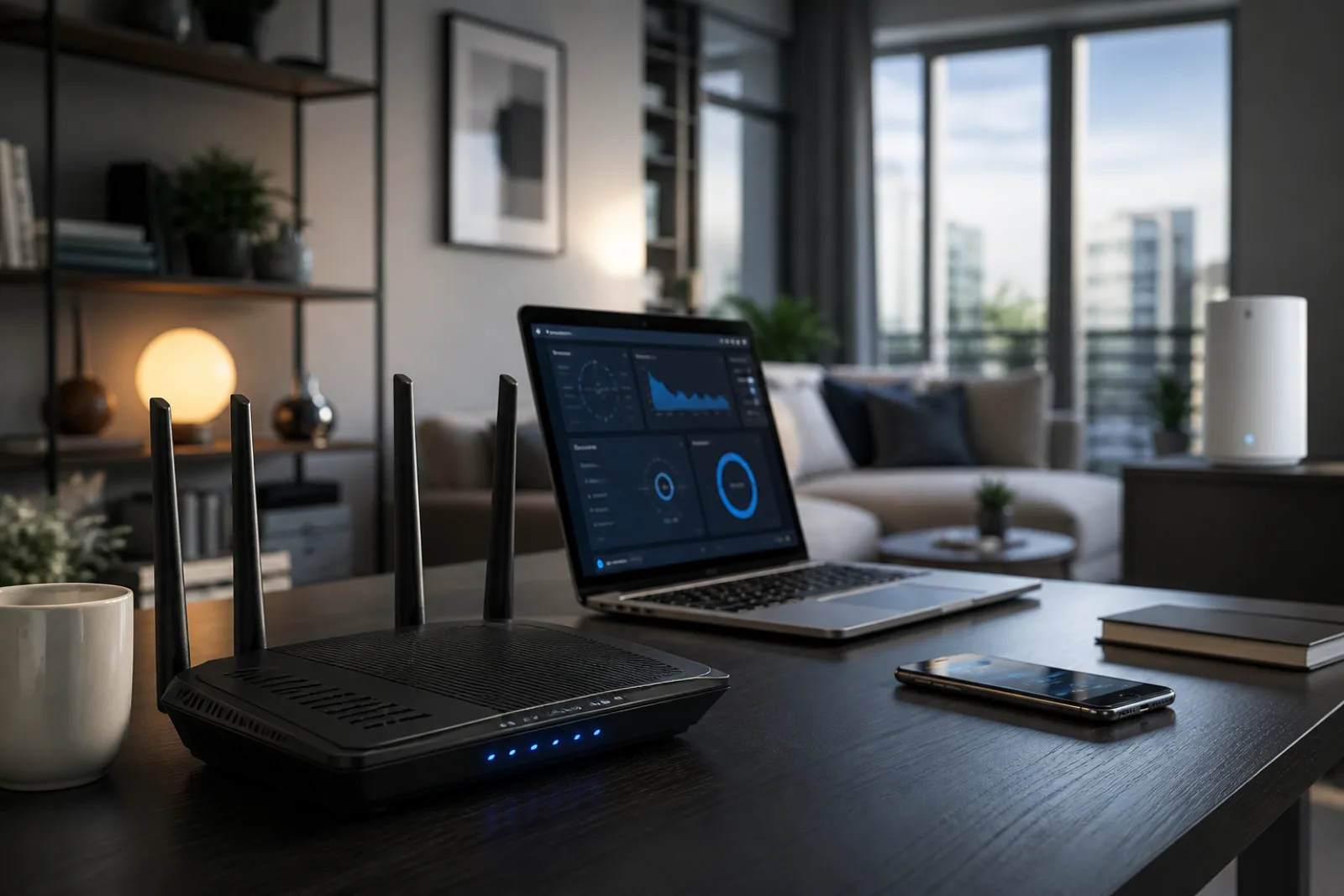
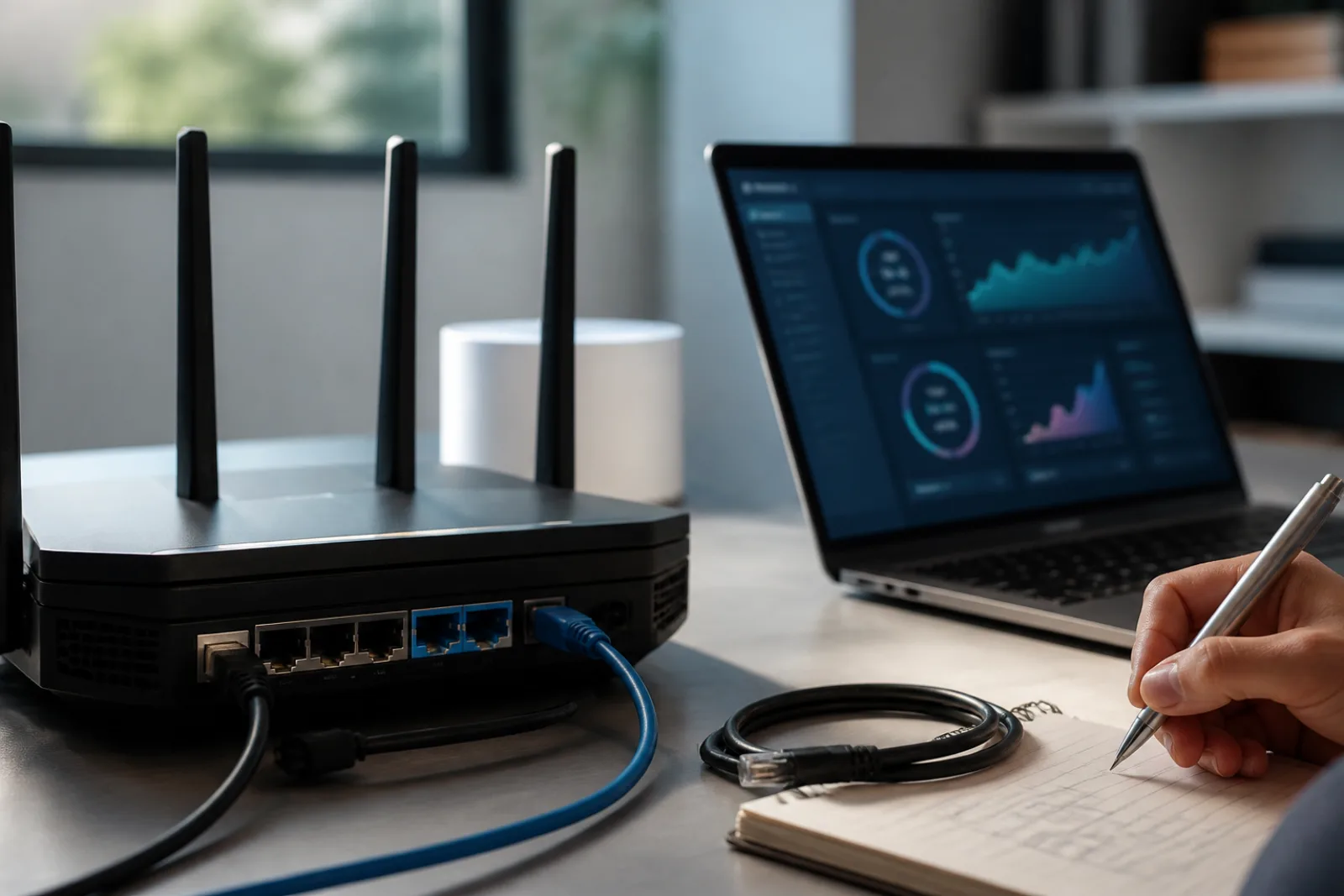
Router boxes have been shouting generation numbers for a decade. Wi-Fi 7 is a real standard, with a Wi-Fi Alliance certification program that opened in January 2024. The features that are not a rounding error are 320 MHz-wide channels in the 6 GHz band, Multi-Link Operation, and 4K QAM. The question for a house is which of those you can actually cash, given a 300 or 500 Mbps ISP plan, a mix of old phones, and drywall.
The honest answer is: maybe the reliability, if your busy devices are Wi-Fi 7 too. Probably not the fantasy speed. Almost never if the access point is still in a cabinet.
| Feature (Wi-Fi Alliance) | What it is | Home catch |
|---|---|---|
| 320 MHz channels | Double the previous widest channel, in 6 GHz, for multigigabit peak rates | Needs 6 GHz legal in your country, a 6 GHz radio in the client, and a short, clean path. One 320 MHz slice is a lot of spectrum; neighbors and walls eat it. |
| 4K QAM | About 20 percent higher transmission rates than Wi-Fi 6's 1024 QAM | Needs a strong signal. Across the house it falls back. Close to the AP, on a 7-to-7 link, you might notice. On a doorbell, you will not. |
| Multi-Link Operation (MLO) | Send and receive on more than one link at once (for example 5 GHz and 6 GHz) | The feature that can help when one band is busy. Both ends must implement it. A Wi-Fi 6 laptop on a Wi-Fi 7 router is still a single-link client. |
| Everything else on the list | More efficient acknowledgements, flexible resource units, better uplink scheduling | Real for engineers. Invisible as a reason to replace a healthy Wi-Fi 6 mesh that already covers the apartment. |
Wireless Broadband Alliance Phase 2 trials with CableLabs and Intel, February 2026, 4,500-square-foot single-family unit. Under heavy 6 GHz co-channel interference, MLO also up to doubled aggregated throughput versus legacy single-link. This is an industry field trial, not a guarantee for your floor plan.
WBA Wi-Fi 7 MLO field trials (CableLabs, Intel)
Speed-test theater is how people get disappointed. If the fiber or cable plan is 400 Mbps, a Wi-Fi 7 laptop next to the router might show 400 Mbps and a Wi-Fi 6 laptop might also show 400 Mbps. The radio was not the bottleneck. Wi-Fi 7 starts to matter for local transfers (NAS, camera offload), for many simultaneous 4K streams plus a video call, and for latency-sensitive work when the 5 GHz band is a mess. It does not repeal physics: 6 GHz does not go through walls as kindly as 2.4 GHz. MLO's pitch is that the client can lean on 5 GHz for range and 6 GHz for capacity instead of picking one and suffering.
Client mix is the other ceiling. Wi-Fi Alliance, citing IDC in 2024, expected hundreds of millions of Wi-Fi 7 devices that year and about 2.1 billion by 2028. In August 2026 that means flagship phones and new PCs, not the smart TV, the older tablet, or the printer. Those devices keep using older generations on the same AP. A tri-band Wi-Fi 7 router can still be a better air-traffic controller for the new clients. It will not make the TV grow a 6 GHz radio.
Buy Wi-Fi 7 when you are replacing a dying router anyway, when you have or are about to have 7-capable laptops and phones, and when the ISP plan is fast enough that the in-home hop is the complaint (drops, not 'only' 200 Mbps). Keep the old mesh if coverage is the problem. How to place a home Wi-Fi router is still the higher-leverage page for a dead bedroom.
Reliability first, peak rate second
- 01
MLO is the home feature. 320 MHz and 4K QAM are close-range, 6 GHz, new-client features.
- 02
ISP plan and walls still set the mood. A generation number does not.
- 03
Both ends of the link have to be Wi-Fi 7 or you are buying a better AP for tomorrow's laptop.
Questions
- 01Do I need new mesh nodes too?
If the backhaul between nodes can use Wi-Fi 7 MLO or a wired Ethernet backhaul, yes, matching generations helps. A Wi-Fi 7 main router plus old extenders is a Wi-Fi 6 network with a fancy front door.
- 02Is 6 GHz available where I live?
Wi-Fi Alliance's 320 MHz claim is explicitly limited to countries that opened 6 GHz to Wi-Fi. The U.S. has. Check the Alliance's 6 GHz map if you are elsewhere. Without 6 GHz, you still get MLO on 2.4/5 GHz where implemented, and you do not get 320 MHz.
- 03Will Wi-Fi 7 fix video-call drops?
It can, if the drop was congestion or a flaky single band and the call device is Wi-Fi 7. It will not, if the drop was a far bedroom and a closed door. Move the AP or add a node before you shop for 4K QAM.