Most subscription-cleanup advice starts in the wrong place: your phone's home screen. That approach misses two entire categories of active subscriptions. First, deleting an app never cancels the subscription behind it; the billing agreement lives with the service provider or platform (Apple, Google, or the company directly), completely independent of whether the app icon still exists on your device. Second, plenty of recurring charges, streaming services accessed through a browser, software billed annually, a membership you signed up for on a website once, never had a persistent app icon to begin with. The actual, reliable record of everything you're paying for is your bank and credit card statements, not your memory or your apps.
The audit sequence that actually finds everything
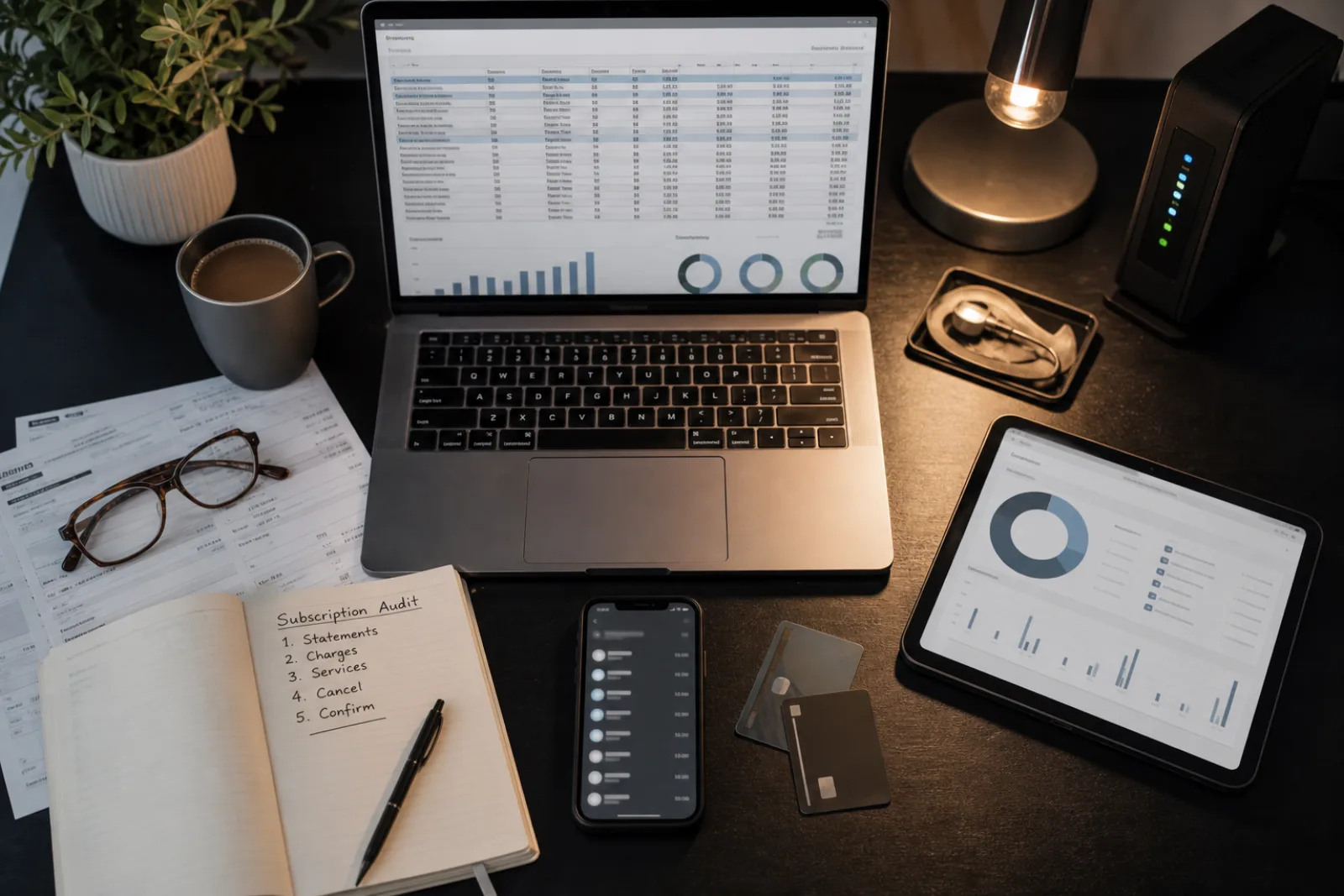
- 011. Pull three months of bank and credit card statements
Look for recurring charges of the same or similar amount on a monthly or annual cadence, not just charges from companies you recognize by name.
- 022. Cross-check app store subscription lists separately
Apple's Subscriptions settings and Google Play's Subscriptions page show billing through those platforms specifically, which statement line items alone may show only as "Apple.com" or "Google *" with no further detail.
- 033. Record the current price and renewal date for each
Prices often increase after an introductory period; the amount you signed up for may not be the amount currently being charged.
- 044. Cancel through the same channel that created the subscription
A subscription set up through an app store must generally be canceled through that app store's settings, not by deleting the app or contacting the company directly.
- 055. Retain confirmation the cancellation processed
A confirmation email, screenshot, or reference number, kept somewhere separate from the account you may be about to lose access to.
The third step, checking the current price against what you originally signed up for, catches a specific and common pattern: introductory pricing that quietly increases after a set period. A service advertised at a low first-year price can renew at a substantially higher rate without a separate, obvious notification beyond a standard receipt easy to miss in an inbox. Statements show the actual current charge; the number you remember from signup may be out of date.
The channel-matching step in the audit sequence matters because of how app store billing actually works. A subscription purchased through Apple's App Store or Google Play is billed by Apple or Google, not directly by the app's developer, even though the developer sets the price and receives the revenue. Contacting the app developer to cancel, or simply deleting the app, does not reach the actual billing relationship, which lives in your Apple ID or Google account subscription settings. This is the single most common reason people discover months later that a subscription for an app they haven't opened in a year was still being charged the whole time.
Subscription audit checklist
- 01Review three months of bank and card statements
Look for recurring amounts, not just recognized company names.
- 02Check Apple Subscriptions and Google Play Subscriptions separately
These often show charges statements only list generically.
- 03Note the current price for each, not the signup price
Introductory pricing frequently increases after a set period.
- 04Cancel through the original billing channel
App store subscriptions cancel in app store settings, not by deleting the app.
- 05Save a confirmation of each cancellation
Email, screenshot, or reference number, stored somewhere accessible after the account itself may close.
The short version
- 01
Bank and card statements, not your home screen, are the reliable record of every recurring charge, including subscriptions that never had a persistent app icon.
- 02
Deleting an app does not cancel the subscription; app-store-billed subscriptions must be canceled through the app store's own subscription settings.
- 03
Keep proof that a cancellation processed, not just that you submitted a request, since the two are not the same thing if a dispute comes up later.
Questions
- 01Why does my statement sometimes just say "Apple.com/Bill" instead of the actual app name?
App-store-billed subscriptions are charged by the platform (Apple or Google), which is why the statement line item often shows the platform's name rather than the individual app or service, making the app store's own subscription list the more reliable place to identify exactly what's being charged.
- 02What should I do if a company keeps charging me after I canceled?
Provide your saved cancellation confirmation to the company and, if the charge continues, to your bank or card issuer, which can dispute the charge; the FTC also accepts complaints about companies that continue billing after a valid cancellation.