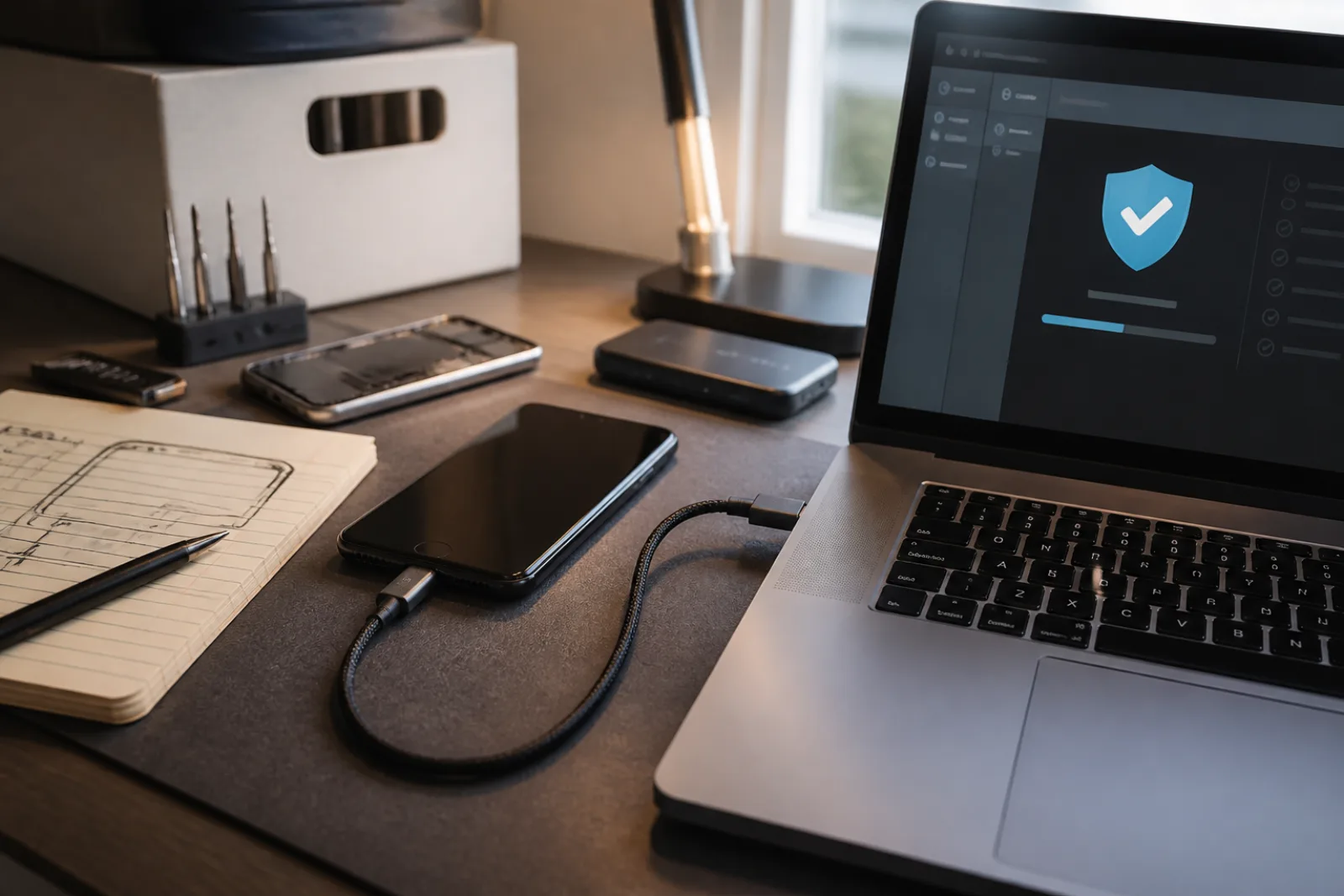
The update prompt loses because it always arrives in the middle of something else. CISA's Secure Our World campaign is written for that moment: many people tap Remind me later, and many of those updates exist to close security holes, not to rearrange settings. The three steps on that page are watch for notifications, install as soon as you can, and turn automatic updates on so the decision stops being a decision. The longer CISA note, Understanding Patches and Software Updates, adds the reason the delay is expensive. Attackers may target a vulnerability for months or even years after a fix is available. The catalog CISA keeps of Known Exploited Vulnerabilities is the short list of flaws that are not theoretical. They are being used. A machine that is one prompt behind is, for those entries, already on the wrong side of a public patch.
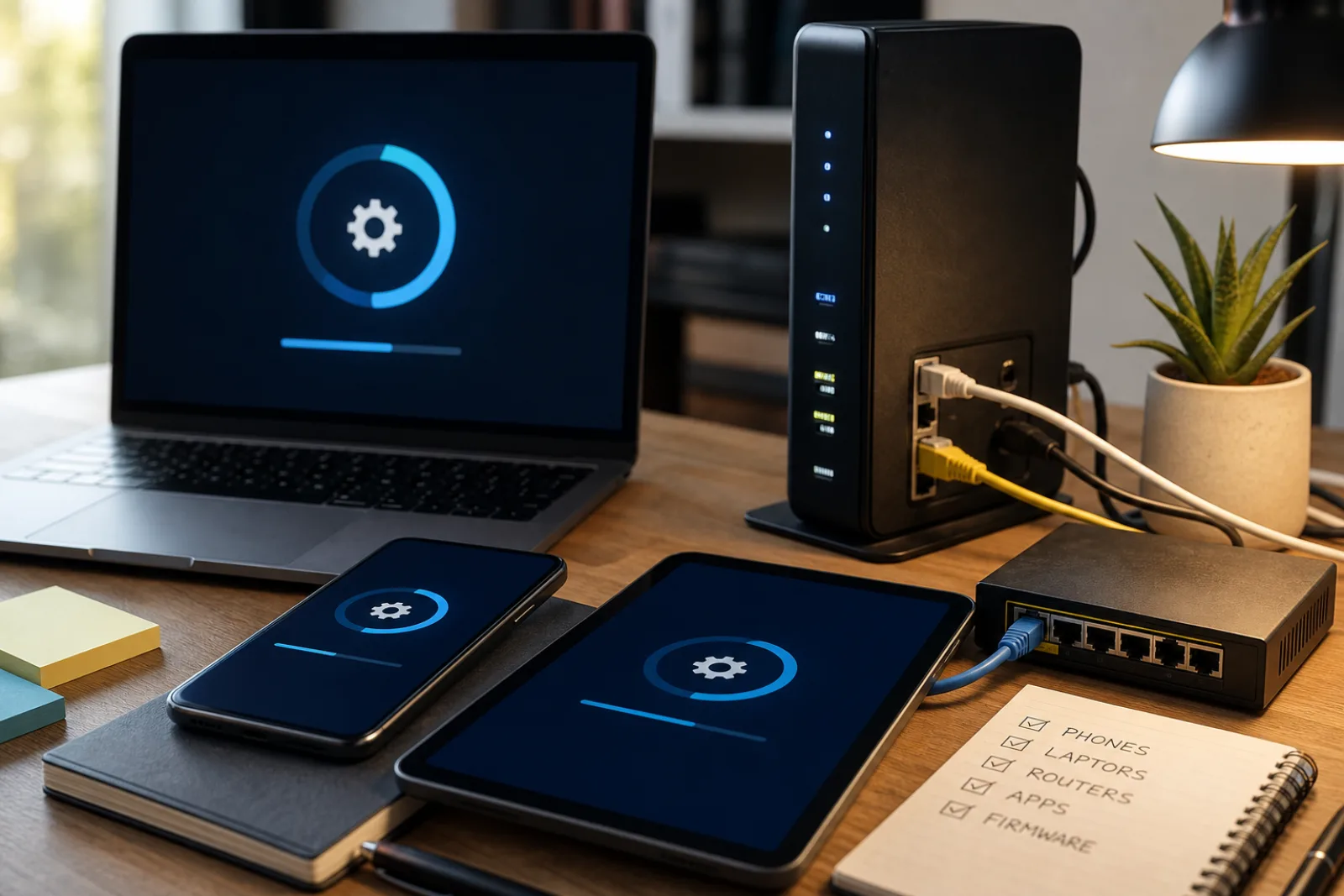
Making that into a routine, rather than a Saturday you keep moving, means splitting the household into two piles. Pile one can update itself: current iPhones, Pixels, Windows 11 PCs, Macs, browsers, and store apps, once automatic updates are on and you are not postponing restarts. Pile two cannot: the ISP router in the closet, the cheap camera, the printer, the smart lock, and any computer whose vendor has already stopped shipping fixes. CISA's training module on keeping operating systems up to date says to enable automatic updates when they exist, and to put a recurring time on the calendar for everything else. That calendar item is the entire method. It is also the part most writeups skip, which is why routers stay on firmware from the year they were installed.
A household update routine that fits in a week, not a weekend
- 01Turn automatic updates on once, on every device that has the switch
Phone OS, laptop OS, browser, and app stores. CISA: look under Software or Security, or search settings for automatic updates. On Windows, confirm the default is still on and set active hours so restarts happen when you are not on a call.
- 02Let those devices restart on their own schedule
The remaining work is not babysitting iOS. It is not canceling the Mac restart for a third night. If a prompt requires a restart, do it the same evening. CISA's consumer page is not subtle: malicious actors will not wait.
- 03Pick one short weekly slot for everything that cannot auto-update
CISA's training module: designate a time each week to check manually. Ten minutes. Router admin page, printer, NAS, camera app. Install from the device's own updater or the vendor site, never from an email that claims a patch is attached.
- 04Before a major OS upgrade, back up
A security patch is not the same as jumping from one major version to the next. Back up first (Time Machine, Windows Backup, a phone backup you have actually restored from once). Then install. If an app is the reason you are delaying the OS, that app is now part of the risk.
- 05When the vendor stops patching, replace or isolate
CISA: do not use end-of-life software. Upgrade the OS if a supported version will still run, or replace the product. For a router that no longer gets firmware, replacement is the patch.
Automatic and staged are not opposites. They are two speeds of the same habit. Automatic is correct for security patches on a phone you use every day. Staged is correct for a major laptop OS upgrade the night before a trip, or for a shared family computer that still runs one piece of software you have not checked against the new version. CISA still wants the patch installed as soon as you can. It does not require you to click through a feature-upgrade wizard in the middle of a workday. What it does require is that 'later' has a time. A weekly slot for the router is staged. An open-ended Remind me later on a browser is how CISA's example household, in the Secure Our World story, ended up with malware exploiting a known flaw in an older operating system.
The forgotten surface is the network gear, and CISA has started saying so in language usually reserved for agencies. Binding Operational Directive 26-02, issued in 2026, requires federal civilian agencies to update or remove end-of-support edge devices: hardware at the boundary of the network, including routers, firewalls, VPN appliances, and wireless access points, that no longer receive vendor patches for known vulnerabilities. The directive applies to those agencies. The fact sheet that came with it says CISA, the FBI, and the UK NCSC strongly encourage other organizations to follow the same guidance. A home ISP gateway is not a federal firewall. It is still an internet-facing box whose firmware age you probably do not know. If the admin page has no update, or the ISP never pushes one, you are running whatever shipped. That is the EOL case CISA wants retired, not indefinitely postponed.
| Product | Published support window | What 'end' means in practice |
|---|---|---|
| Google Pixel 8 and later | 7 years of OS and security updates from US Google Store availability | A known date. After it, CISA's replacement advice applies unless you move to a still-supported device. |
| Pixel 6, 7, 7a, original Pixel Fold | 5 years of OS and security updates from US Google Store availability | Shorter than the Pixel 8 policy. Check the date the model first went on sale, not the day you bought a used one. |
| Pixel 5a and earlier | Google lists these as no longer receiving Android version or security updates | This is the EOL case. CISA: find a replacement. The phone will still power on. |
| Windows 10 (Home, Pro, and the listed Enterprise editions) | Support ended October 14, 2025 | No more security updates unless you enroll in paid Extended Security Updates, which Microsoft says can cover consumers through October 12, 2027. The PC keeps working. The patches stop. |
| Windows 11 | Supported; Microsoft directs Windows 10 users here if the PC meets the hardware bar | If the PC cannot run Windows 11, the choice is ESU, a new PC, or running an unpatched OS. CISA's EOL guidance does not treat 'it still boots' as support. |
| Apple iPhone, iPad, Mac | No single published year-count like Pixel. Apple continues security updates on some older OS branches after they stop getting new features, and says not every issue is fixed in previous versions. | Check Settings for whether an update is offered. When Apple stops offering patches for that device, treat it as EOL even if the hardware is fine. Hardware repair eligibility (vintage/obsolete) is a separate clock. |
| Home router / ISP gateway | Often unpublished. Many ISP units update only if the ISP pushes firmware. | Log into the admin page. If there is no firmware date, no auto-update, and no ISP changelog, assume you are the patch process. CISA's edge-device warning is this box. |
Vendor windows are how you stop guessing. Google will tell you, in writing, that a Pixel 8 gets seven years and a Pixel 6 gets five, counted from US Store availability, not from the day a carrier sold you a leftover. Microsoft will tell you Windows 10's free security updates ended on a calendar date. Apple will not give you a matching consumer number; you find out a phone is done when Settings no longer offers patches and the model has dropped off the current iOS list. That opacity is annoying and it is still usable: if the phone has not seen a security update in months, you are already in the CISA replacement case. Do not wait for a marketing page to call the device vintage. Apple's own deployment note is the fine print on older branches: because of architecture changes in the current OS, not all known security issues are addressed in previous versions. A phone that still gets occasional patches on an old iOS is better than one that gets none. It is not equivalent to a phone on the current release.
The automatic-update switches are not hidden, but they are not in the same place twice. CISA's training module points at the vendor pages: Windows Update (and active hours so the restart happens overnight), Microsoft Store app auto-updates, Mac System Settings for macOS and App Store updates, iPhone Settings then General then Software Update for automatic iOS updates, and the Play Store's auto-update apps setting on Android. Turn each of those on once. The failure is a second user account that never got the setting, or a browser that was installed outside the store and never checks. Open Chrome or Firefox, look at the about page, and let it finish. That is the 'especially browsers' line on CISA's consumer page, made concrete.
Router firmware is a login, not a notification. On most home gateways the address is printed on the sticker (often 192.168.1.1 or a similar private address). Use the admin password on that sticker, not the Wi-Fi password, unless they were set to the same thing. Look for Firmware, Administration, or System. If there is a 'check for update' button, use it on your weekly slot, on your home network, not from a cafe. If the page shows a date from three years ago and no button, you have your answer. ISP-managed gateways sometimes update silently. If the ISP's app or monthly mail never mentions firmware, ask once, then decide whether that box is a device you are willing to leave unpatched on the internet. CISA's edge-device directive is written for agencies. The home version is: do not keep a forgotten router as the only lock on the household network.
Major OS upgrades deserve a backup because they are the one update class that can change how the machine boots. CISA's encryption training, which is a different module, still puts backup before you change how the disk is protected. The same order applies here. Time Machine, Windows Backup, or an iCloud or Google backup you have tested by restoring a photo, not by assuming the checkmark means something. Then install the OS. If you are delaying a Windows 11 upgrade because a scanner driver is old, that scanner is now setting your security policy. Either replace the scanner or keep the PC on Extended Security Updates for a defined period, not forever. Microsoft's consumer ESU path runs through October 12, 2027. After that, the delay has a stop date whether you wanted one or not.
IoT is where the weekly slot earns its keep. Light bulbs and plugs may never get a patch. Cameras, doorbells, and anything with a web admin page sometimes do, and those are the ones worth ten minutes. If the manufacturer's app has not updated the device in a year, and the model is absent from a current firmware list, treat it like CISA treats EOL software: replace it, or take it off the internet (a local-only camera on a LAN with no port forwarding is a different exposure than a cloud camera on an abandoned firmware branch). Guest networks and IoT VLANs are extra. They are not a substitute for 'this camera will never be patched again.' A printer with a web admin page from 2019 is in the same pile as the router. So is a NAS. If you cannot name the last firmware date, put the device on the weekly list until you can, then either enable auto-update or schedule replacement.
A backup before a major upgrade is only a backup if you have restored from it once. Time Machine, Windows Backup, and phone cloud backups all produce a checkmark that can mean 'we uploaded something' rather than 'you can get your tax PDF back.' Restore one file to a different folder. Then run the OS upgrade. CISA's patching note about untrusted networks still applies on upgrade night: do the download at home, from the vendor's updater, not from a hotel and not from an email. If the upgrade fails, the tested backup is the difference between an evening and a lost weekend, which is the original problem this routine is supposed to prevent.
Browsers sit in CISA's 'especially' pile with antivirus, because they are how most people meet the rest of the internet. Automatic updates are on by default in current Chrome, Edge, Firefox, and Safari. The failure mode is an old computer whose browser was pinned, or a second profile that never opens long enough to finish an update. Open the browser. Let it sit. Confirm the version. That is the weekly slot if you do nothing else. The Known Exploited Vulnerabilities catalog is not a home-user to-do list, but it is a useful reminder of the shape of the problem: CISA adds entries when there is a clear action, apply the vendor update, or remove the product if it cannot be updated. Your household routine is that action, applied to whatever you actually own.
Turn this on once, then spend ten minutes a week on the rest
- 01Enable automatic OS and app updates on phones and computers
CISA Secure Our World step three. Confirm it is actually on, including the app store.
- 02Set active hours or a nightly restart window on the laptop you live on
Stops the prompt from arriving in the middle of a meeting, which is why people postpone it.
- 03Log into the router once a week until you know whether firmware updates exist
If they do, turn them on. If they do not, put 'replace router' on the same list as EOL phones.
- 04Back up before a major OS version change
Then install. Do not skip the backup because the last upgrade was fine.
- 05Write down the support end date for each phone and PC
Pixel dates are published. Windows 10 already ended. Apple you infer from whether patches still arrive.
Questions
- 01Do I have to install every feature update, or only security patches?
CISA wants security patches installed promptly and recommends automatic updates, which on phones and Windows usually bundle both. You can delay a major version bump for a short, planned check. You cannot treat security patches as optional without leaving known holes open. CISA's KEV catalog is the extreme version of that statement: these are holes attackers are already using.
- 02My Windows 10 PC still works. Is it really a problem?
Microsoft's own end-of-support page says the PC will still function and will no longer receive security updates after October 14, 2025, which puts it at greater risk for viruses and malware. CISA's language for EOL software is to retire it. Working and supported are different states.
- 03The router has no update button. Now what?
Check whether the ISP pushes firmware without telling you (some do). If the model is years old and the vendor's site has no current firmware, replacement is the update. That is the home version of CISA's edge-device advice: an unsupported box on the internet should not stay there indefinitely.
Automate the phones. Calendar the router. Replace what the vendor has abandoned.
- 01
Automatic updates remove the prompt you keep postponing. A weekly ten-minute pass covers the gear that cannot auto-update. End of support is the hard stop, not a style refresh.