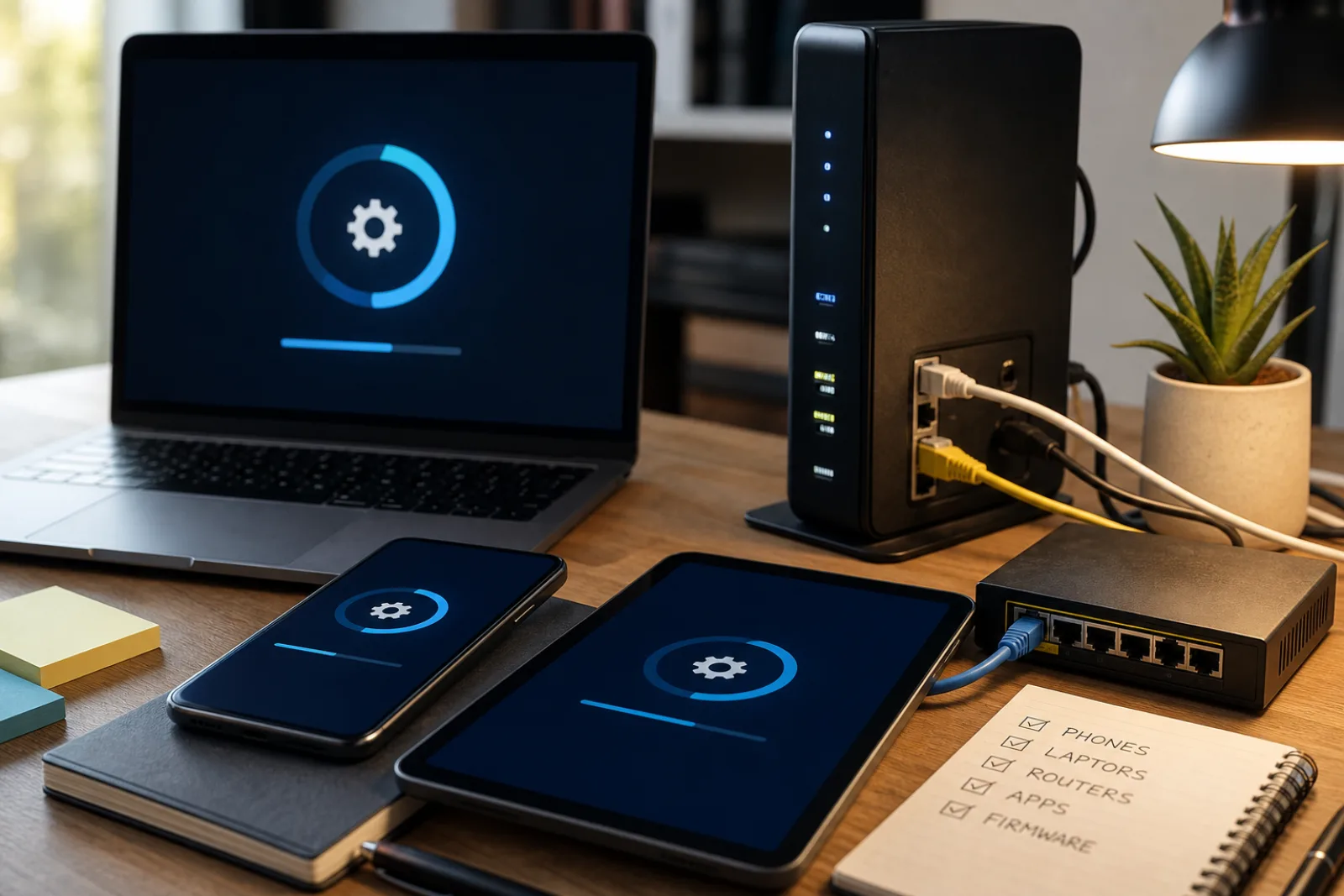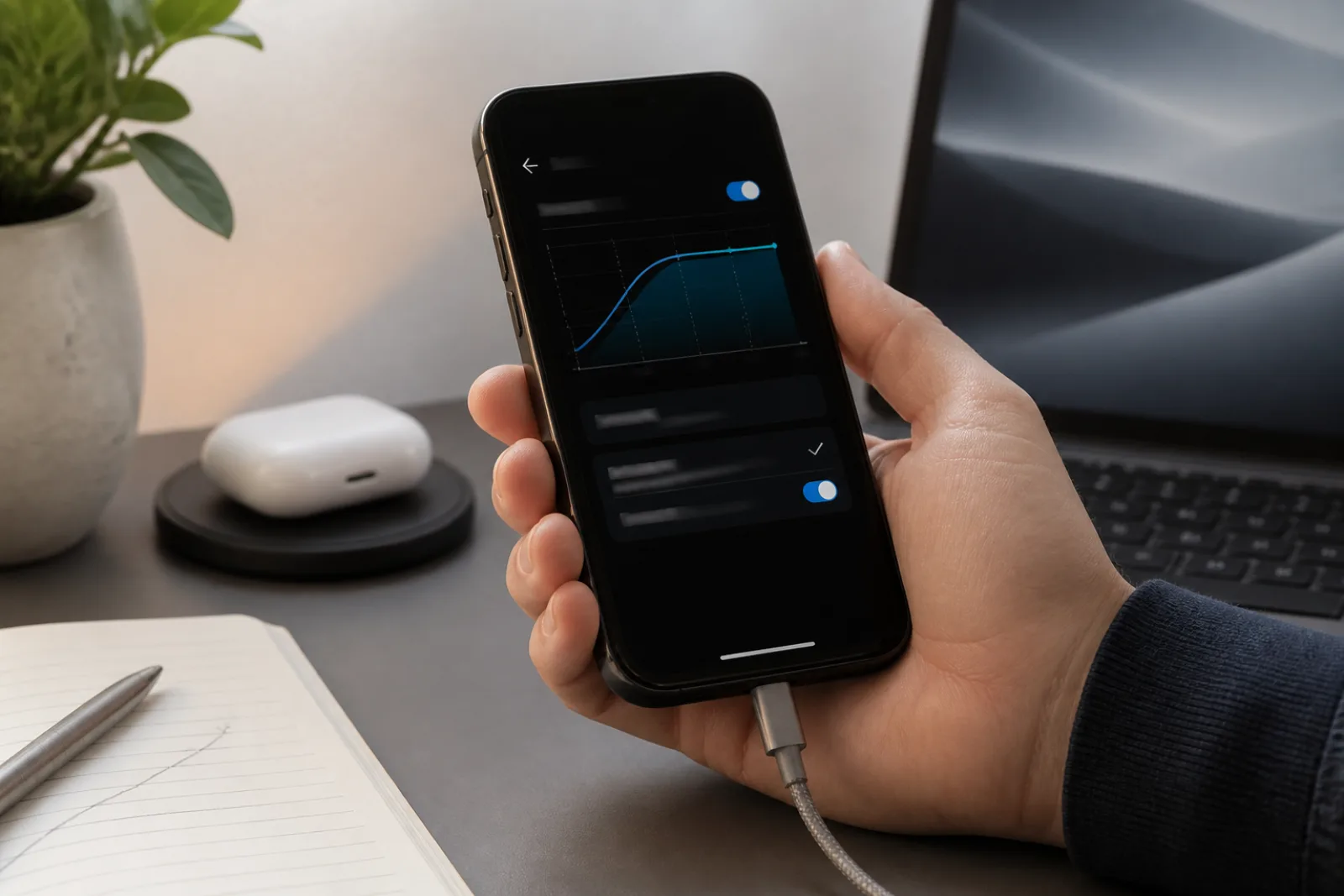
A phone that dies by dinner, or a laptop that spins for ten seconds before a folder opens, feels finished. Often it is not. Lithium-ion batteries lose capacity as they chemically age. Apple publishes the design point in writing: iPhone 14 and earlier batteries are designed to retain 80 percent of original capacity at 500 complete charge cycles under ideal conditions, and iPhone 15 batteries at 1,000 cycles. When capacity falls far enough, the same document describes unexpected shutdowns and software that throttles the processor to keep the phone from crashing. Replacing the battery, Apple says, can restore performance. That is a repair. It is not a new phone. A Windows laptop with a swollen or tired cell is the same story with a different settings panel.
The replacement trigger that is not a feeling is security support. CISA's patching guidance says continued use of end-of-life software poses consequential risk, and it recommends retiring EOL products. The training module is more specific: if the developer no longer issues security updates, upgrade the OS or replace the product. Microsoft ended Windows 10 support on October 14, 2025. Google lists Pixel 5a and earlier as no longer receiving Android or security updates. Those machines still power on. They are, in CISA's terms, already in the replace column unless you have a short, named exception (Microsoft's paid Extended Security Updates through October 12, 2027 is one). A new laptop ad is not a named exception.
Is this device done, or is a part of it done?
You are considering replacing a phone or laptop. Work the questions in order. The first 'replace' you hit is the one that matters. Do not start at the store.
- 01Does this device still receive security updates from the vendor?
Check Settings for a current patch date. For Windows 10, support ended October 14, 2025. For Pixel, Google publishes the window. For iPhone, an update offered in Settings is the signal; months without a patch is the other signal. CISA: retire EOL software.
- No. The vendor has stopped shipping security fixes.Replace, or upgrade the OS if a supported version will still run on this hardware (Windows 10 to 11 when the PC qualifies). A short ESU enrollment is a bridge, not a plan to keep an unpatched OS indefinitely. Isolate the device from sensitive accounts if you must keep it briefly.
- Yes. Patches are still arriving.Do not replace for security reasons. Go to the battery question. A supported device that feels slow is usually a part, a full disk, or a repair.
- 02Is the complaint really runtime, unexpected shutdowns, or sudden slowness when the battery is low?
On iPhone: Settings, Battery, Battery Health, Maximum Capacity. Apple describes performance management that kicks in after unexpected shutdowns on an aged battery. On laptops: cycle count or a vendor battery report, plus whether the machine only misbehaves unplugged.
- Yes. Maximum capacity is near or below 80 percent, or the laptop only fails on battery.Get the battery replaced if parts exist. Apple: service and parts for at least 5 years from last distribution, up to 7 subject to availability; Mac laptops may get battery-only repair up to 10 years. This is not a new phone.
- No. It is slow even at a full charge, or the battery numbers look fine.Go to storage and memory. A healthy battery does not rule out a disk that is full or a machine that is paging.
- 03Is storage nearly full, or is the machine using disk as extra RAM?
A few gigabytes free on an SSD will make photo libraries, browsers, and OS updates crawl. On a laptop, too little RAM for the workload shows up as constant disk activity. Neither of those is 'the processor is old' until you have checked.
- Yes. The drive is packed, or RAM is the bottleneck and the model can take more.Offload photos, uninstall what you do not use, empty the browser's abandoned profiles. Upgrade RAM or the SSD if the chassis still allows it. Then reassess. Many 'dead' laptops were 12 GB free on a 256 GB drive.
- No. Plenty of free space, enough RAM for the work, still too slow or a part is broken.Go to repair versus replace. You now have a hardware fault or a genuine capability gap (you need a machine this one cannot be).
- 04Is a specific part broken, and can you still get it serviced?
Screen, keyboard, port, hinge, battery. Apple vintage: last sold 5 to 7 years ago, parts maybe. Obsolete: last sold more than 7 years ago, Apple stops hardware service. The FTC's Nixing the Fix report is about the cases where parts and manuals were withheld even when the product was younger.
- Yes. A named part is broken, parts exist, and the quote is a fraction of a new device.Repair. Move your data first if the repair involves a board swap. Then keep the machine until security support ends.
- Parts are unavailable, the device is obsolete, or the repair quote approaches the cost of a still-supported replacement.Replace. Migrate data with the vendor's backup tool (Windows Backup, Quick Start, a Mac-to-Mac transfer) before you wipe the old one. Recycle the old device; do not leave an unpatched computer on the network as a spare.
Battery health is the check people skip because the phone still reaches 100 percent on the charger. Maximum capacity is not that number. Apple defines it as the battery's capacity relative to when it was new. As the cell chemically ages, runtime shrinks, and the battery's ability to deliver peak power drops. In cold weather or at a low state of charge, that drop is worse. iOS will then manage performance to avoid an unexpected shutdown. The phone feels old. The cell is old. Apple's Battery Health screen will say when health is significantly degraded and point you at an authorized repair. Out of warranty, that repair costs money. It still costs less than a flagship, and it leaves you on a phone that may have years of software support left. A laptop with a 40-minute unplugged life is the same diagnosis with a screwdriver or a shop quote.
Storage and RAM are the other false 'replace' signals. Operating systems and browsers use free disk as working space. When a 256 GB drive is at 240 GB, updates stall, photos fail to import, and the machine swaps constantly. Deleting the installers you already ran, offloading the photo library to a disk or a cloud you actually pay for, and uninstalling three Electron apps will not make a 2018 laptop new. It will often make it usable again. RAM is similar, with a harder stop: many current thin laptops solder the memory. If the model can take a second stick or a larger SSD, that upgrade is a repair in slow motion. If it cannot, and you regularly hit memory pressure, you have a capability gap, which is a legitimate replace, not a moral failing of the old machine.
Windows 11 eligibility is the other hard hardware line, and it is documented. Microsoft's end-of-support page tells Windows 10 owners to check Settings, Windows Update, or the PC Health Check app, and to read the Windows 11 system requirements. A PC that fails that check cannot take the free OS upgrade. Microsoft's remaining paths are a new Windows 11 PC, or consumer Extended Security Updates through October 12, 2027. ESU is a dated bridge for a machine that still does the job. It is not a reason to skip the battery and storage checks on a PC that can move to Windows 11. If the PC qualifies, the 'replace' you were about to make may be an OS upgrade and a battery.
Data migration is the step that makes replacement survivable and repair less scary. Microsoft points at Windows Backup for files, photos, settings, apps, and credentials. Apple's Quick Start moves a phone; a Mac can use Migration Assistant or a Time Machine disk you have already tested. Do the copy, open three real files (a tax PDF, a photo from last year, a password manager vault), then wipe. A repair that involves a logic board should get the same copy first. The old device, once wiped, should leave the network. CISA's EOL advice is not only 'buy a new one.' It is 'stop running the unpatched one as if it were still in the household's trust boundary.'
- No security updates
- Replace or upgrade the OS. CISA: retire EOL software. Windows 10 after October 14, 2025, unless you are on ESU. Pixel 5a and earlier: Google has already stopped.
- Short runtime, shutdowns, slowness on low battery
- Battery. iPhone Maximum Capacity near 80 percent is Apple's design-point language, not a law, but it is the right screen to open. Replace the cell if parts exist.
- Everything takes a few seconds, drive almost full
- Storage. Free tens of gigabytes, then look again. Do not buy a new laptop to store the same undeleted disk images.
- Broken screen, keyboard, or port; OS still patched
- Repair if parts exist and the quote is not close to a new, still-supported device. Check Apple vintage/obsolete status or the PC maker's spare-parts list first.
- You need a capability this chassis cannot grow into
- Replace. Examples: you need Windows 11 and the PC fails the hardware check; you need 32 GB of RAM and the board is soldered at 8 GB. That is a requirement, not a vibe.
CISA patching and OS-update guidance; Microsoft Windows 10 end of support; Google Pixel update policy; Apple iPhone battery and performance; Apple post-warranty service (vintage/obsolete).
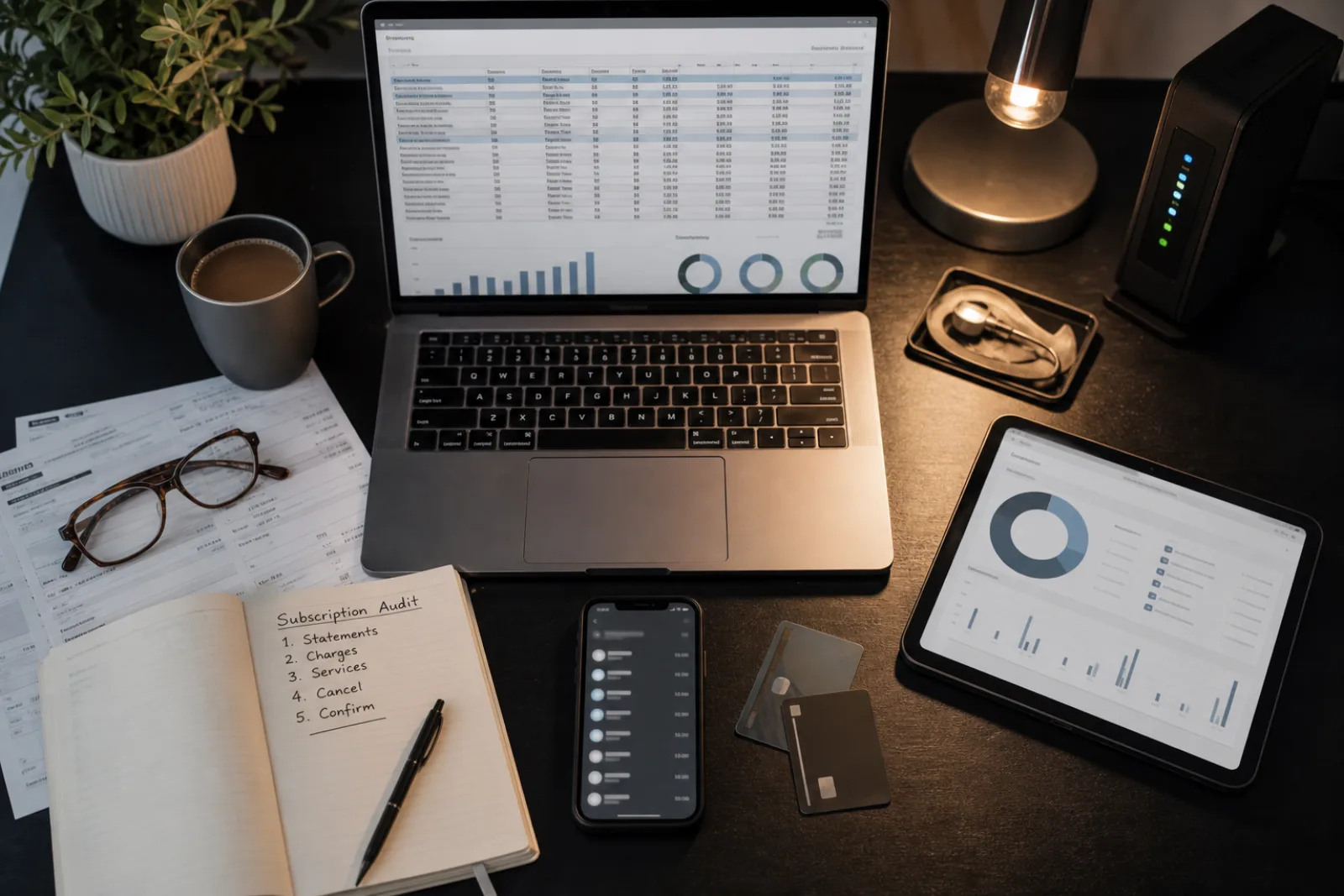
Repair versus replace is a price comparison only after the first three questions are answered. If the OS is unsupported, repair does not restore patches. If the OS is supported and a $129 battery or a $200 screen puts five more years of updates in your pocket, repair wins. Compare the quote to remaining support years, not to the sticker on a new flagship. A $180 battery in a phone that still has three years of patches is a different purchase from a $180 battery in a phone Apple will stop patching next fall. The FTC's 2021 report to Congress, Nixing the Fix, is the document that explains why that comparison is often rigged. Manufacturers limit spare parts, withhold service manuals, and restrict diagnostic software. The report notes that control of spare parts makes it hard to replace consumable parts that are likely to need replacement during a product's useful life, such as mobile phone batteries, and that it may result in consumers replacing appliances and other products simply because they cannot obtain a spare part. The Commission's follow-on policy statement says those restrictions can raise repair costs, increase electronic waste, and lengthen wait times. If a shop tells you they cannot get the part, that may be a supply fact, and it may be the restriction the FTC described. A second shop, an independent who can still order, or the manufacturer's own battery program is worth one more call before you order a new laptop.
Apple's own service clocks are at least published. Owners may obtain service and parts for a minimum of five years from when Apple last distributed the product for sale, and up to seven years subject to parts availability. Vintage means last sold more than five and less than seven years ago. Obsolete means more than seven, after which Apple discontinues hardware service and providers cannot order parts. Mac laptops may still qualify for battery-only repair for up to ten years. Software support is a different clock. An obsolete iPhone can still boot. It will not get a genuine Apple battery through official channels. Plan the repair while the model is still on the vintage side of that line, not after.
When you do replace, the old device is a data problem before it is a recycling problem. Microsoft's Windows 10 end-of-support page points at Windows Backup for files, photos, settings, and credentials. Apple's Quick Start and a Mac-to-Mac transfer exist for the same reason. Do the copy, open three files on the new machine, then wipe the old one. An unpatched laptop left on the household Wi-Fi as a 'spare' is the EOL case CISA wants off the network. For phones, a trade-in that wipes on the counter is fine if you have already signed out of the Apple or Google account. For routers and other edge devices, CISA's 2026 directive to agencies is the adult version of the same idea: when the vendor stops patching a box that faces the internet, you remove it.
Heat and dust impersonate a dead computer. A laptop that throttles after twenty minutes, or a desktop whose fans scream, is often a blocked vent or dried thermal paste, not a CPU that has forgotten how to work. That is a cleaning or a shop hour, and it is worth doing before you price a replacement, especially if security updates are still arriving. It is not in CISA's EOL list because it is not a software-support problem. It is in this article because it is one of the ways a still-supported machine gets thrown out. Open the vents. If you are not comfortable inside the chassis, a repair shop can clean it for less than a new laptop. Then rerun the battery and storage checks. Only then is 'it still feels slow' a capability gap.
The honest replace, after all of that, is still common. A Windows 10 PC that cannot run Windows 11, a Pixel that has aged off Google's list, a laptop whose soldered 8 GB cannot run the software you are paid to use, a phone whose parts are obsolete and whose battery is at 72 percent: those are done. Buy the next one for the support window (Pixel's seven years is a real number you can plan around) and for a battery you can still have serviced. Do not buy it because a folder took three seconds to open on a disk that was full. Price the replacement against remaining support years, not against the holiday ads. A cheaper phone with two years of patches left is a worse buy than a used Pixel still inside Google's published window.
Before you open a shopping tab
- 01Confirm whether security updates are still shipping
If they are not, you are in CISA's replace column. If they are, keep going.
- 02Read battery health, not just the charge percentage
iPhone Maximum Capacity, or a laptop battery report. Near 80 percent with shutdowns: get a battery quote.
- 03Free a serious amount of storage and retest
Tens of gigabytes, not a handful of screenshots.
- 04Get a repair quote for the actual broken part, and check parts status
Apple vintage/obsolete, or the PC maker's spare-parts policy. The FTC's report is why a 'we can't get that' answer deserves a second shop.
- 05If you replace, migrate data first, then wipe, then recycle
Do not leave the old, unpatched machine on the network as a spare.
Questions
- 01My iPhone is at 83 percent maximum capacity. Do I need a new phone?
Not for that number. Apple's design language around 80 percent is about expected capacity after hundreds of cycles, and the Battery Health screen has a separate message when health is significantly degraded. If runtime is still acceptable and patches are still arriving, keep the phone. If runtime is not acceptable, ask for a battery, not a replacement device.
- 02Windows 10 still runs my software. Why replace?
Because Microsoft has stopped shipping security updates for it as of October 14, 2025, unless you pay for ESU. CISA's EOL advice is about attackers using known holes, not about whether Word still opens. If the PC can move to Windows 11, that is the upgrade. If it cannot, ESU is a dated bridge, then a new PC.
- 03A shop said they cannot repair it without the manufacturer's blessing. Is that the last word?
It may be, if the model is obsolete and parts are gone. It may also be the parts-pairing and parts-control problem the FTC documented in Nixing the Fix. Try the manufacturer's own battery or screen program, and an independent shop, before you treat 'no' as a physics result.
Unsupported software is the hard stop. Everything else is a part until proven otherwise.
- 01
Retire devices the vendor has stopped patching. For the rest, read battery health, free storage, and price a repair against a still-supported replacement. A new model year is not a diagnosis.