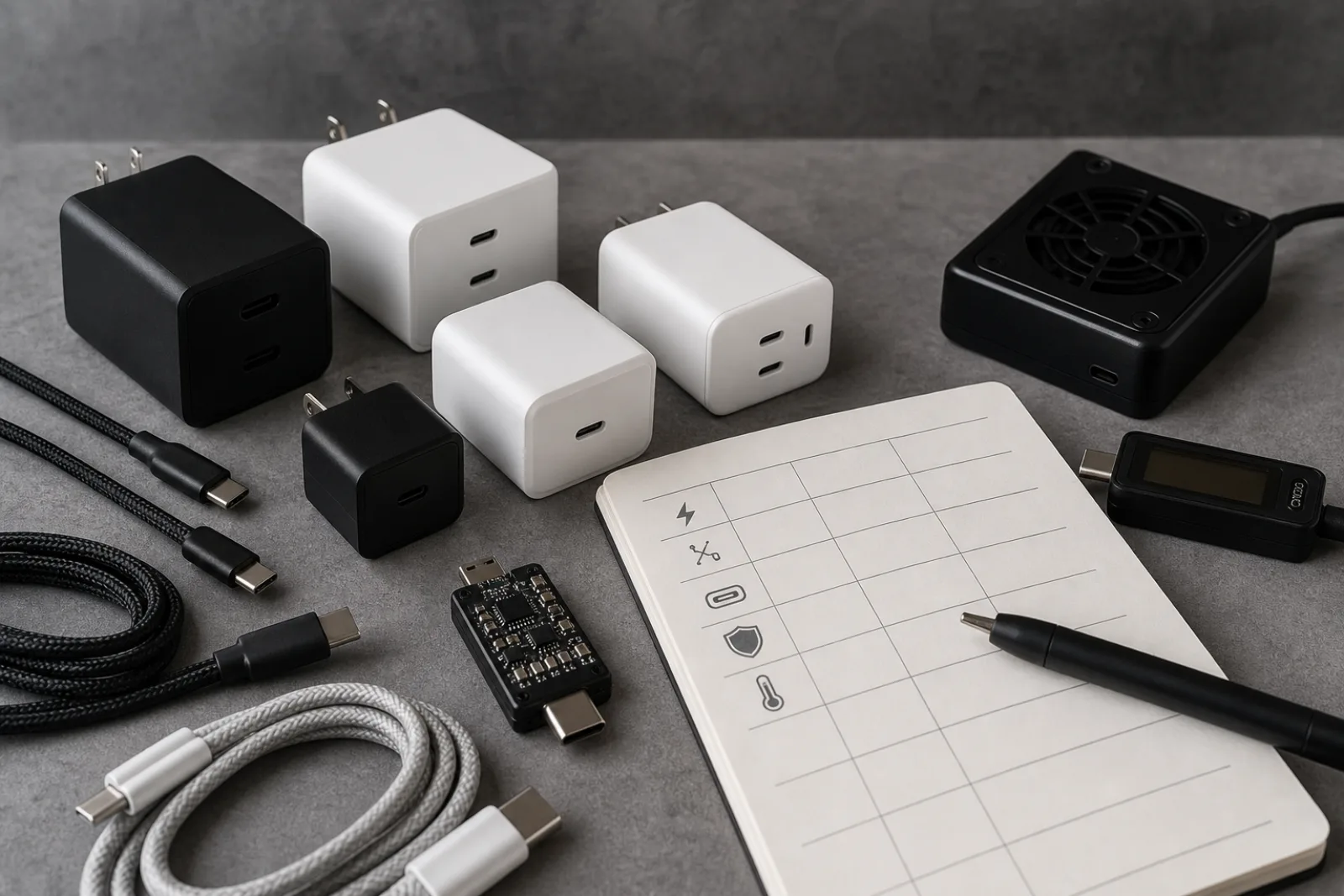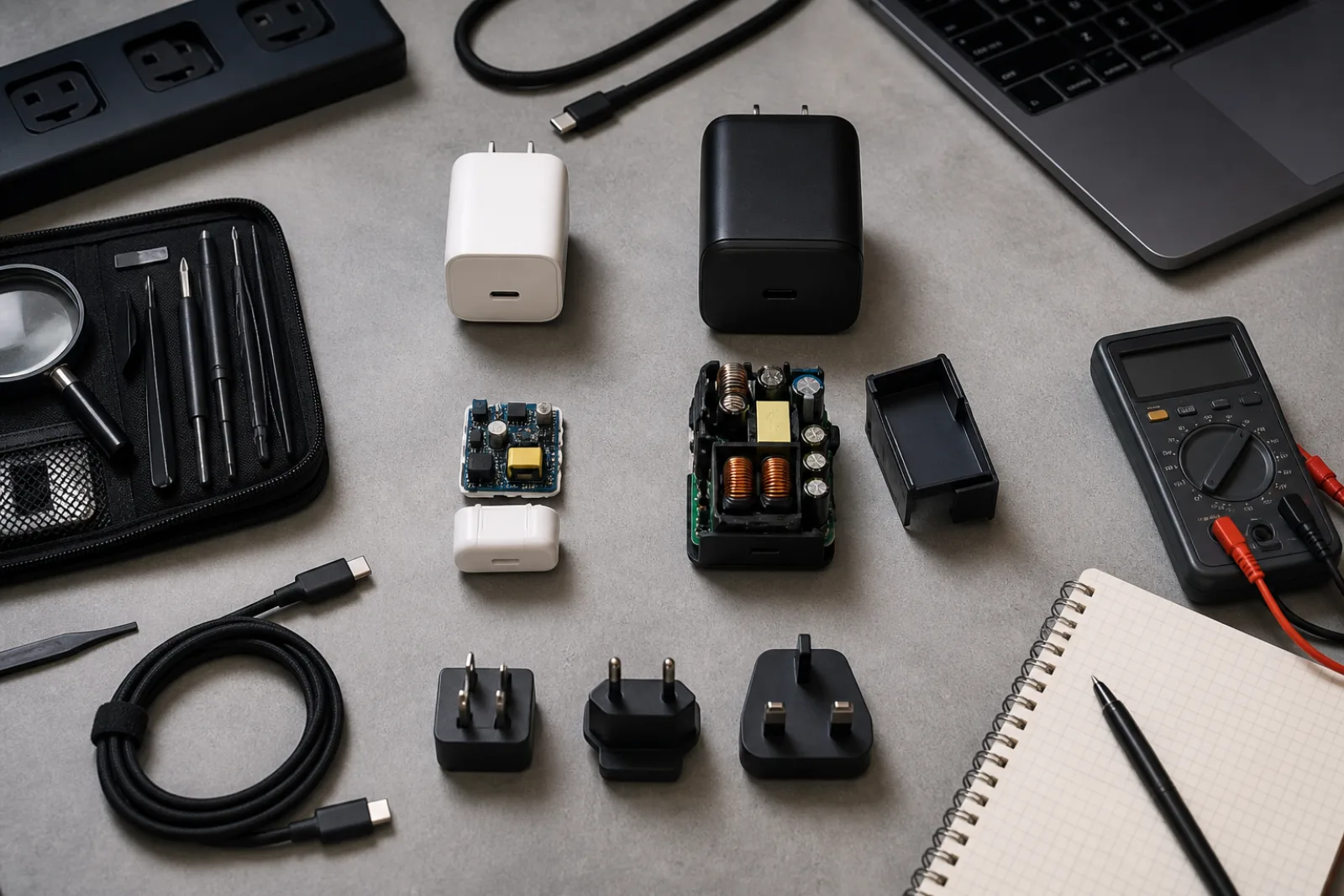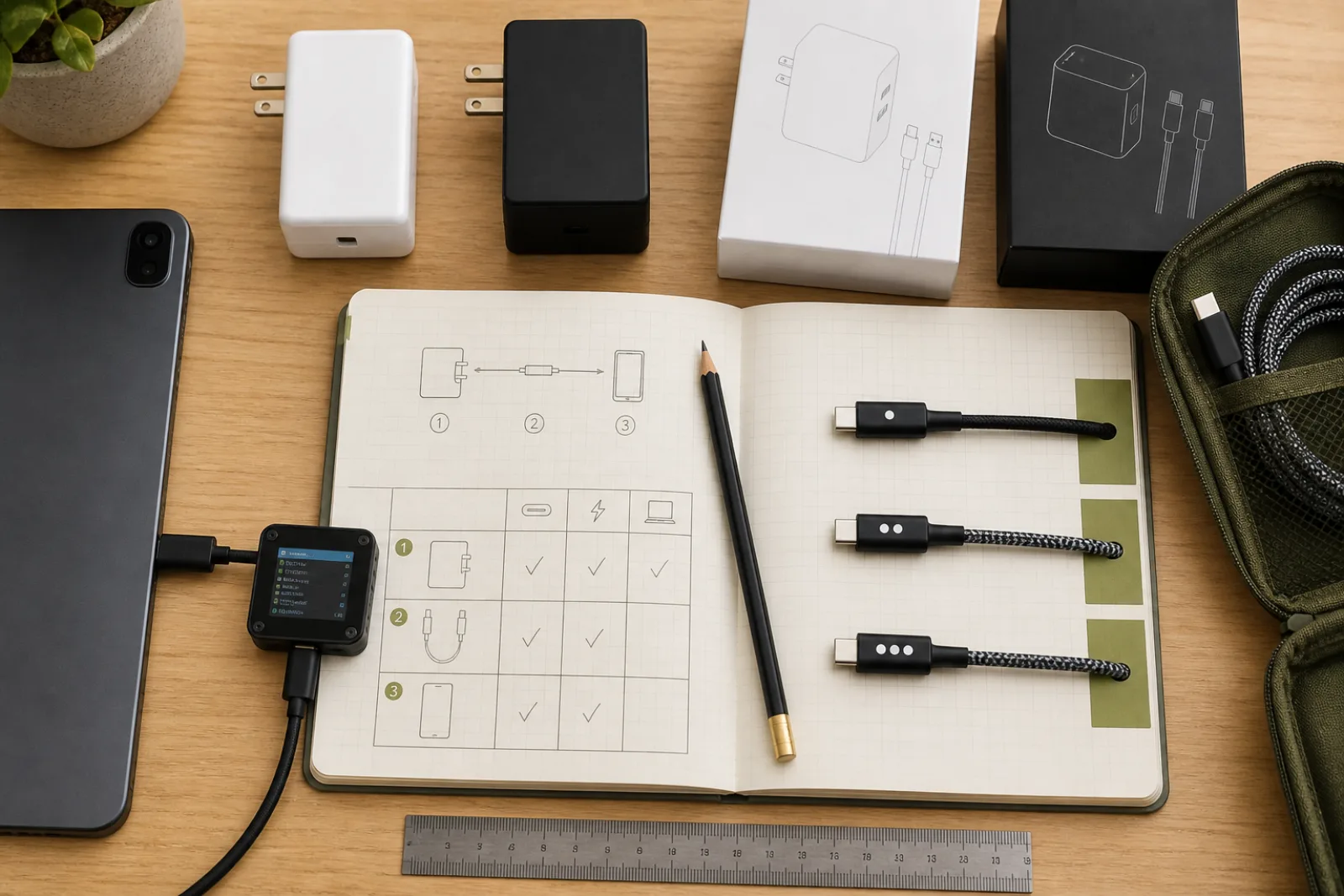
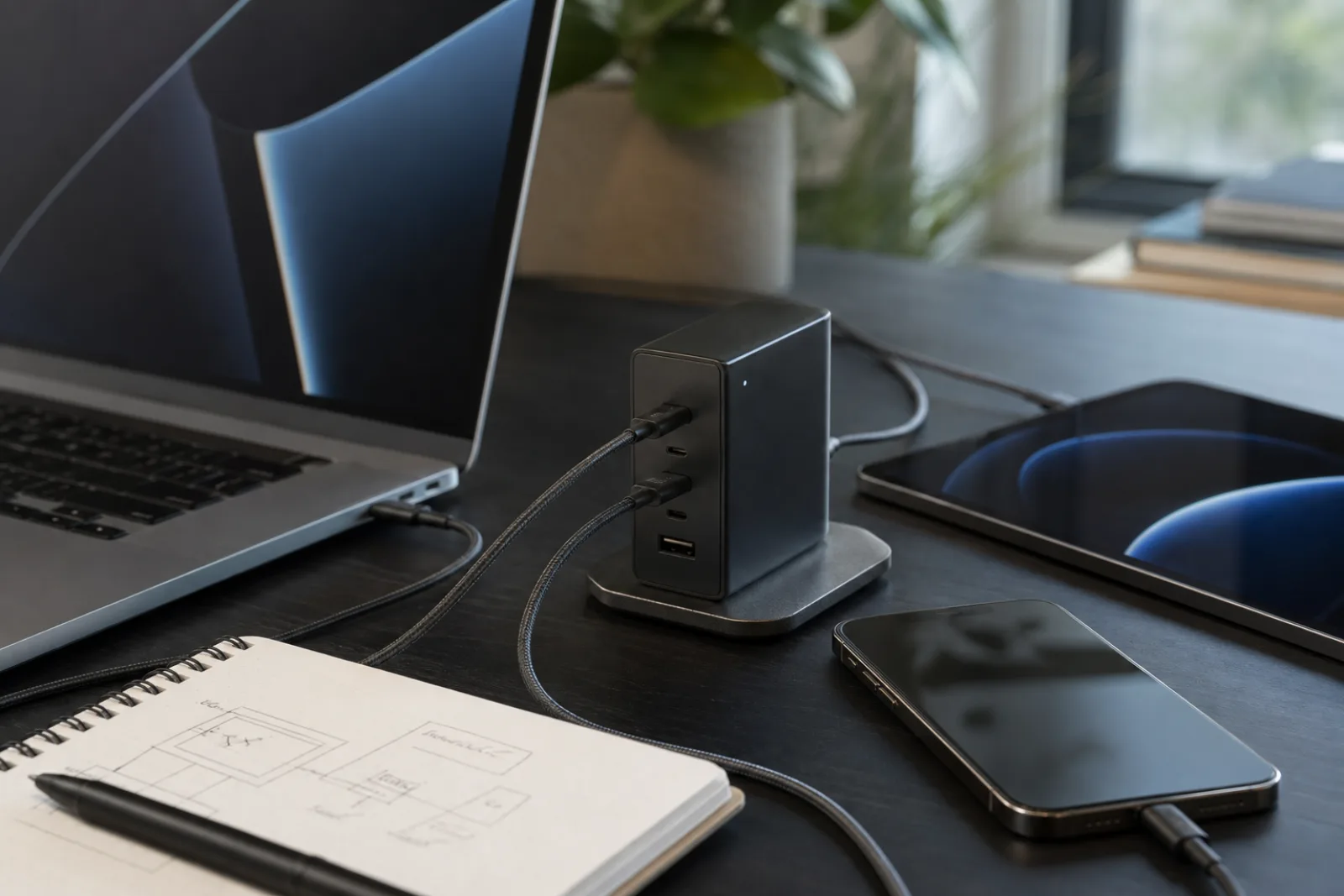
The useful USB-C charger is the one that speaks the same Power Delivery dialect as the hungriest thing you own, and still has leftover budget when a phone joins the party. Infineon, which sells the silicon inside a large share of these bricks, notes that many OEMs stopped packing a charger in the box, which is why the aftermarket filled with two-port cubes. Those cubes are convenient. They are also where the lid's wattage and the port's wattage part ways.
This page is the matching sequence. What USB Power Delivery actually does is the protocol reference. USB-C wall chargers in Reviews is how to read a retail listing, including safety marks. Stay here if you already know you need PD and you are trying not to buy the wrong ceiling.
Match in this order
- 01List the devices
Laptop first: the manufacturer's USB-C charging wattage, not the old barrel-adapter wattage if they differ. Phone and tablet next, including whether they want PPS. Headphones last; they will take scraps.
- 02Set the single-port floor
The charger must be able to offer the laptop's contract on one port, alone. A 96 watt MacBook on a charger whose best single-port PD is 65 watts will charge slowly or drain under load. That is not a cable mystery.
- 03Set the shared budget
If you will charge two things at once, read the allocation chart. 100 watts total that becomes 45 plus 30 is a different product from 100 watts that holds 65 plus 30.
- 04Buy the cable as a part
3A unmarked cable: plan on 60 watts at 20 volts. 5A e-marked: 100 watts in SPR. EPR laptop: EPR cable. Infineon is explicit that the highest PD ratings need 5A e-mark cables.
| Device class | What it usually requests | Charger implication |
|---|---|---|
| Phone or small tablet | Often 15 to 45 W, sometimes PPS rather than a high fixed voltage | Almost any modern PD brick can feed it alone. The issue is leftover power when a laptop is on the other port. |
| Thin-and-light laptop | Often 45 to 65 W at 15 or 20 V | A 65 W single-port PD charger is the usual match. Confirm the laptop's own spec; some want 87 W or more to charge while working. |
| Creator or workstation laptop | 100 W SPR, or EPR at 140 W and above | You have left phone-charger country. EPR hardware and cable required above 100 W. A 65 W GaN cube will not become 140 W because it is small. |
| Two devices at once | Sum of what each will request, if the source allows it | Buy from the allocation table. USB-IF allows intelligent sharing; it does not require the printed total to be available twice. |
Proprietary fast-charge names (a phone maker's own protocol) can outrun vanilla PD on that maker's phones and do nothing special on a laptop. If the charger lists PD plus a branded protocol, treat PD as the common language and the extra name as a bonus for one device. Do not assume the branded number is what a Windows notebook will draw.
GaN changes the size of the brick, not the math on this page. A 65 watt GaN charger and a 65 watt silicon charger offer the same PD ceiling if they implement the same profiles. Pay for GaN when you want less volume in a bag. Pay for a higher PD rating when the laptop asks for it.
Safety listing (UL 62368-1 or equivalent) is still the thing that keeps a no-name 100 watt cube from being a fire story. USB-IF certification is the thing that makes the PD conversation more likely to work across brands. Neither is implied by a matte finish or a travel-size claim.
Hungriest device, then sharing, then cable
- 01
Single-port PD must meet the laptop. Shared totals are a separate spec.
- 02
EPR only if charger, cable, and laptop all speak it. Otherwise you are in 100 W SPR.
- 03
The cable is a rated component. It is not a decorative USB-C string.
Questions
- 01Can I use a higher-wattage charger than the laptop asks for?
Yes, in the PD model. The sink requests what it needs. A 100 W charger feeding a 30 W phone is normal. Heat and size are the reasons not to carry 240 W for a phone-only life.
- 02My phone charges slowly from the laptop's USB-C port.
That port may be a downstream port with a small PD budget, or the laptop may be on battery. A wall charger is a source with a dedicated budget. A laptop port is often leftover power.
- 03Do I need one charger per device?
Only if you routinely charge them at the same time and the dual-port allocation starves the laptop. Many people are fine with one 65 to 100 W PD charger and a second cheap phone brick at the nightstand.