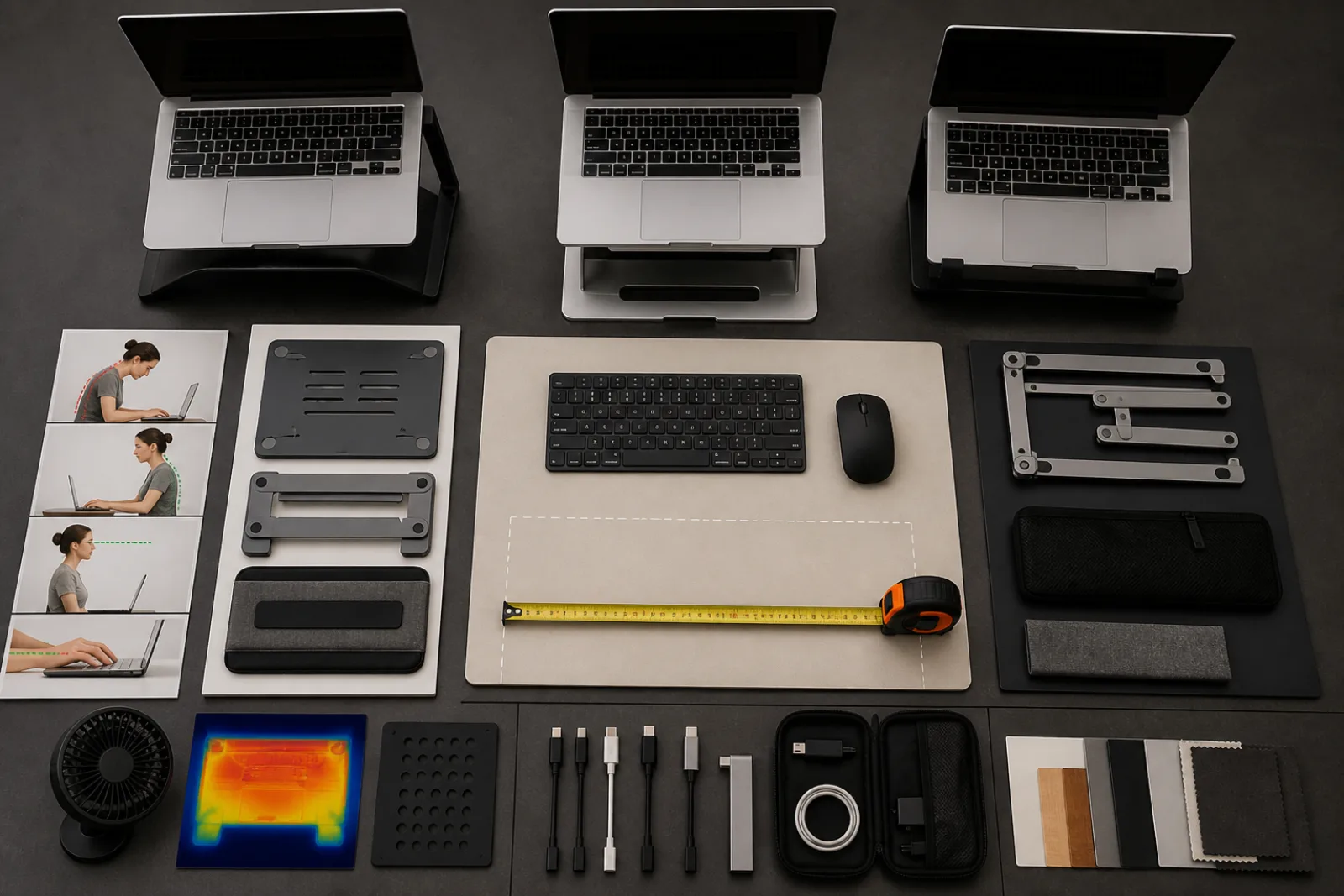
A laptop is a brilliant commute object and a poor all-day workstation for a structural reason, not a moral one. The screen wants to be up. The keys want to be down. The hinge insists they travel together. OSHA's computer-workstation eTool never needed to insult laptops to make that obvious. Put the top of the display at or below eye level and at least 20 inches away, and you are holding a notebook in the air. Put the keys where the elbows are happy, and you are looking at your belt.
For anything longer than a train ride, stop using it as a clamshell. Use it as a panel that happens to contain a computer.
Split the machine
- 01Raise the display
Stand, stack of books, or a riser until the top of the laptop screen is at or slightly below eye level, matching OSHA's monitor height. You should not be looking down into your chest or cranking the neck back.
- 02Keyboard at elbow height
External keyboard, wrists straight, elbows near the body. If the desk is too high, a keyboard tray or a chair that comes up (feet supported) is the adjustment, not 'sit up straighter.'
- 03Pointing device beside it
Mouse, trackball, or a separate trackpad at the same height as the keys. Using the laptop's trackpad while the machine is on a stand is a reach.
- 04Then the rest of the workstation
Distance 20 to 40 inches if you can read the text, screen in front of you, not off to the side. How to set up a computer workstation has the full measurement list. This sequence is only the laptop split.
| Setup | What it gets right | What breaks first |
|---|---|---|
| Lap, couch, bed | Portable | Wrists, heat, screen too close and too low. Fine for a message. Not a workday. |
| Flat on the table, clamshell | Keys at a plausible height | Neck flexed to see a low screen. The default 'I have a desk' mistake. |
| On a stand, still using laptop keyboard | Screen height | Shoulders shrugged, wrists extended. You bought a new problem. |
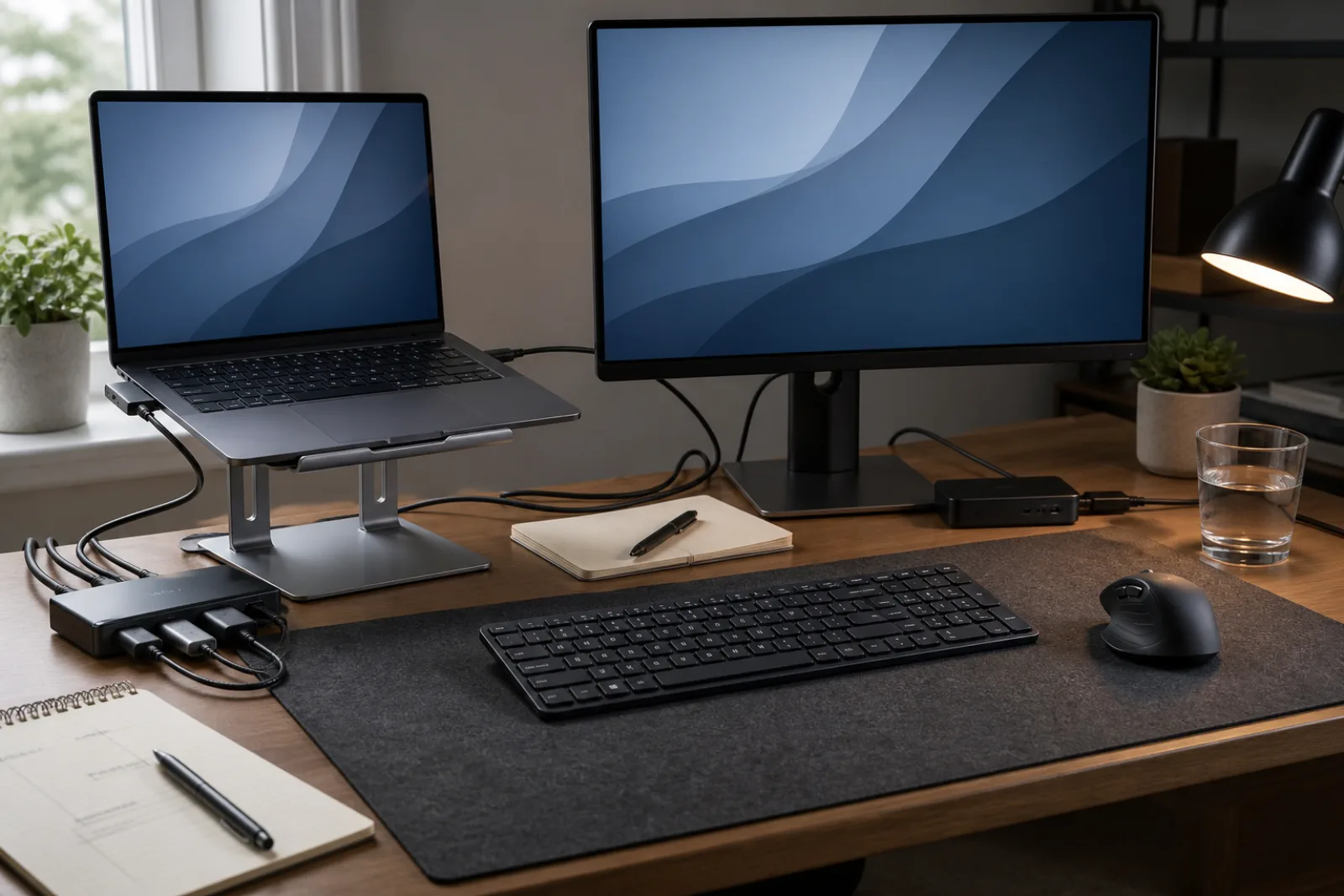
| Raised screen, external keyboard and pointer | Both OSHA targets can be approached | You now have a small dock to pack. That is the cost of the hours. |
An external display is even better when you have one: laptop closed or used as a second screen, real monitor at OSHA height, same keyboard. The laptop-as-panel trick is for rooms that only have the laptop. Either way, OSHA's own monitor page says to rest the eyes, blink, and mix in non-screen tasks. A perfect dock used for four hours without looking away is still a lot of viewing time.
Travel is the exception that proves the rule. Twenty minutes in a seat is why the clamshell exists. If the 'travel day' is six hours in a hotel, pack the foldable keyboard. How to choose a laptop stand covers stability, height range, and ventilation. How to make a desk easier to use is what to put on the surface once the laptop is no longer a turtle in the middle.
If pain is already sharp, spreading, or waking you at night, that is a clinician, not a stand. OSHA's targets reduce awkward loading. They are not a diagnosis.
Raise, then type elsewhere
- 01
Screen height and keyboard height are two targets. A laptop hinge is one joint.
- 02
Stand plus external keyboard and pointer. Either piece alone is incomplete.
- 03
Still change posture. A docked laptop is a workstation, not a statue.
Questions
- 01Is a tablet with a keyboard the same problem?
If the screen and keys are still one piece at one height, yes. If you prop the tablet and use a separate keyboard, you have already split it.
- 02Can I use the laptop keyboard if I only raise it an inch?
A little lift can help viewing and still leave keys reachable. It will not meet OSHA screen height for most adults. Treat small lifts as a compromise for short sessions, not as a workday dock.
- 03Do I need a standing desk?
No. OSHA's placement targets apply sitting or standing. A standing desk is one way to vary posture. It does not fix a low laptop screen by itself.