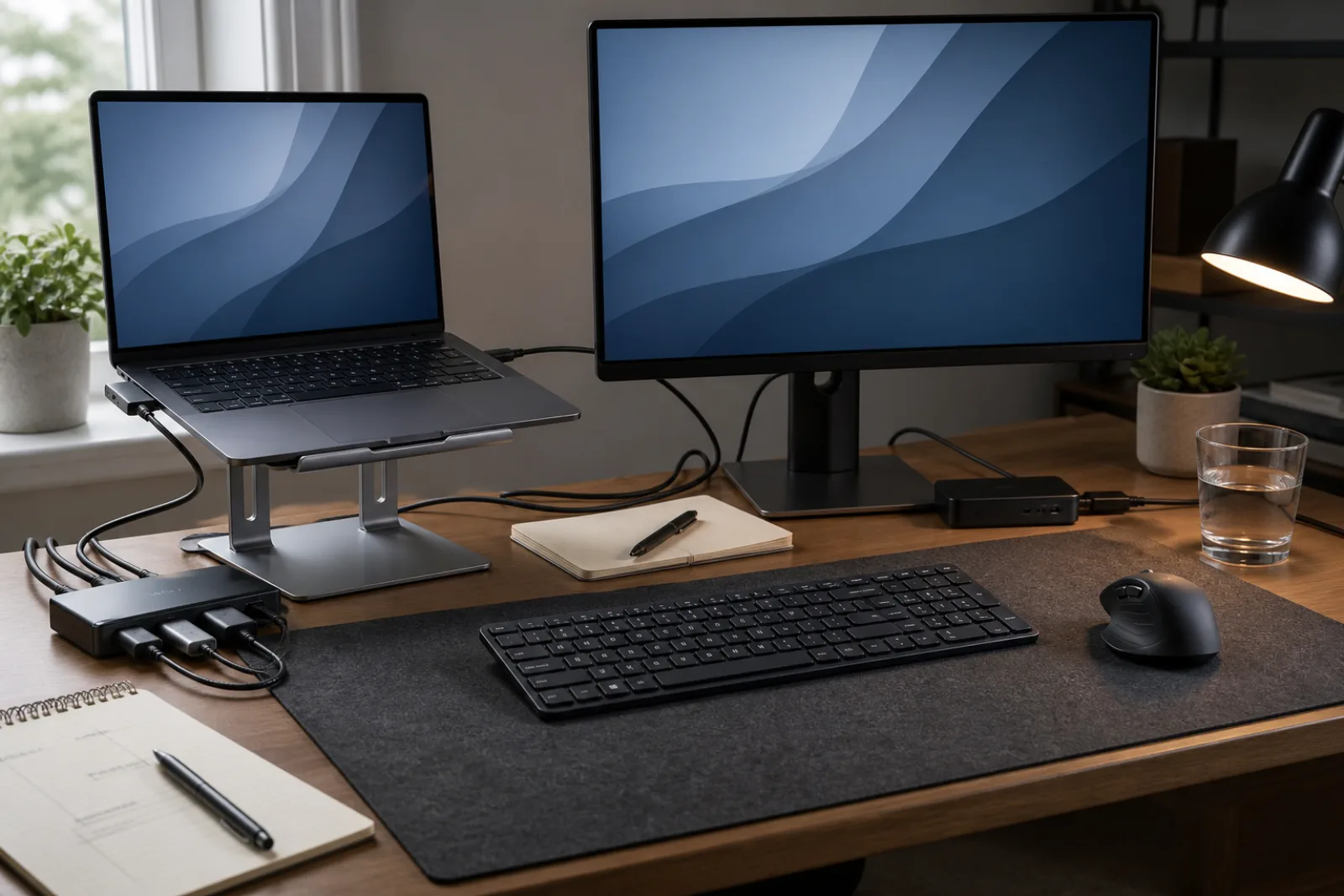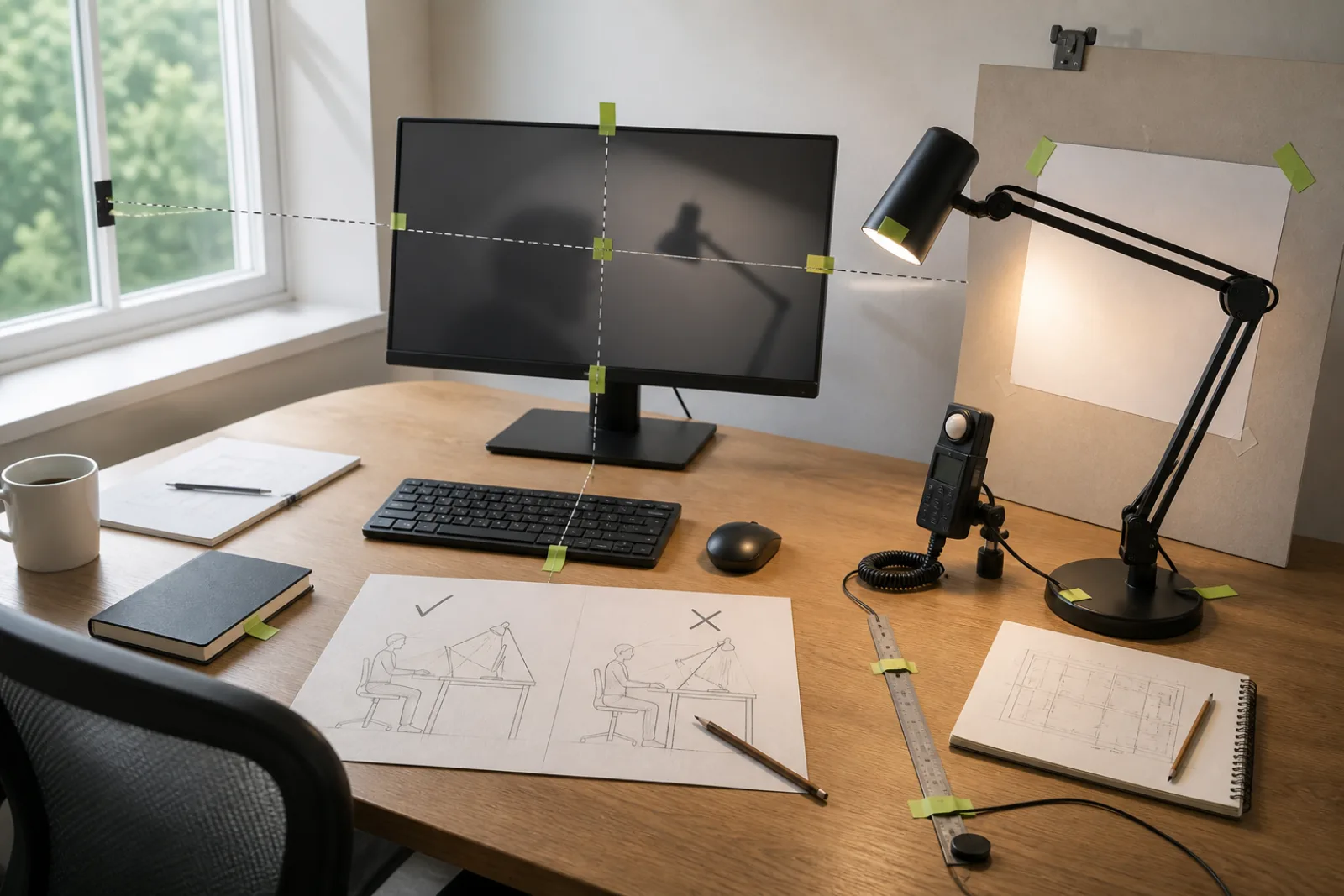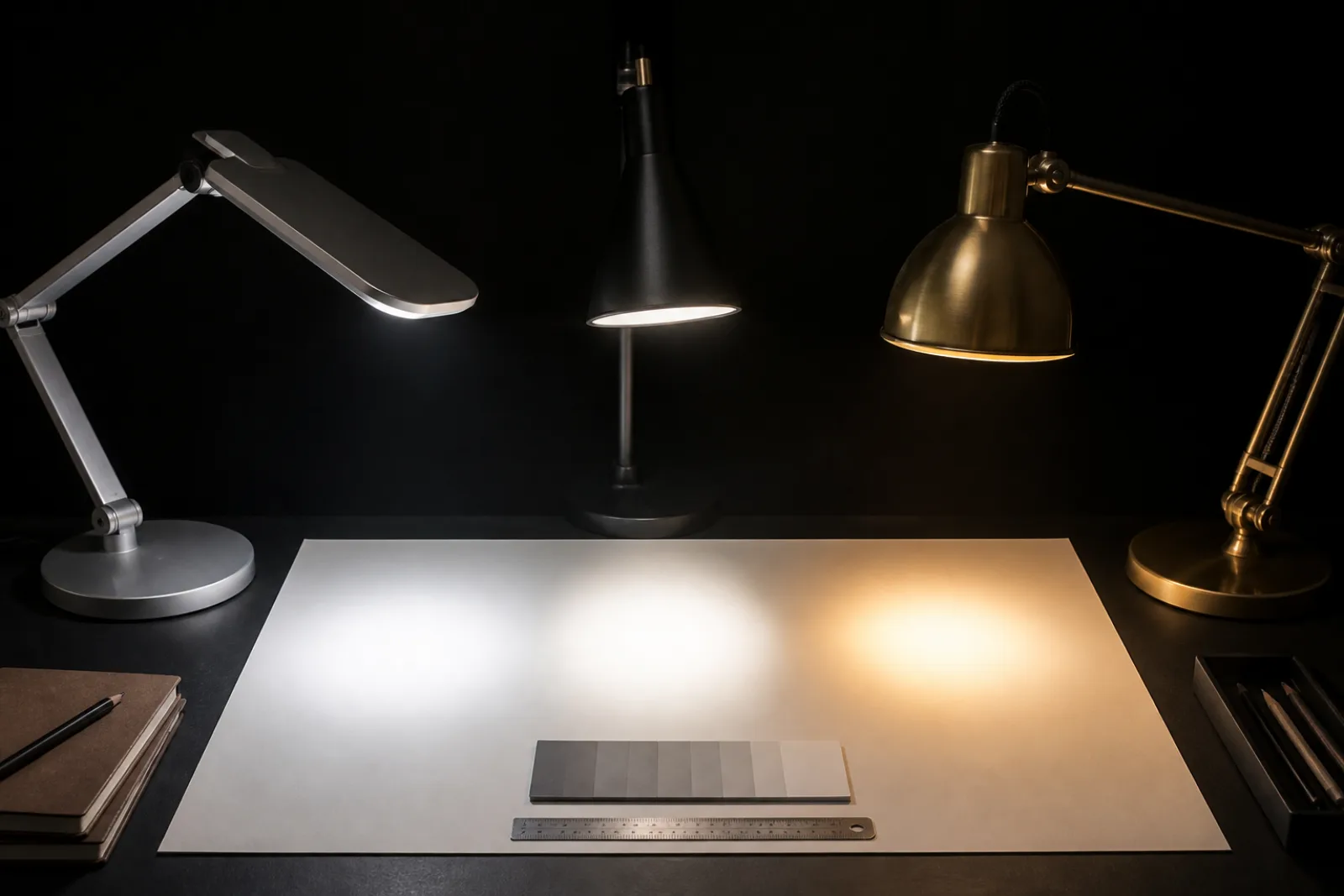
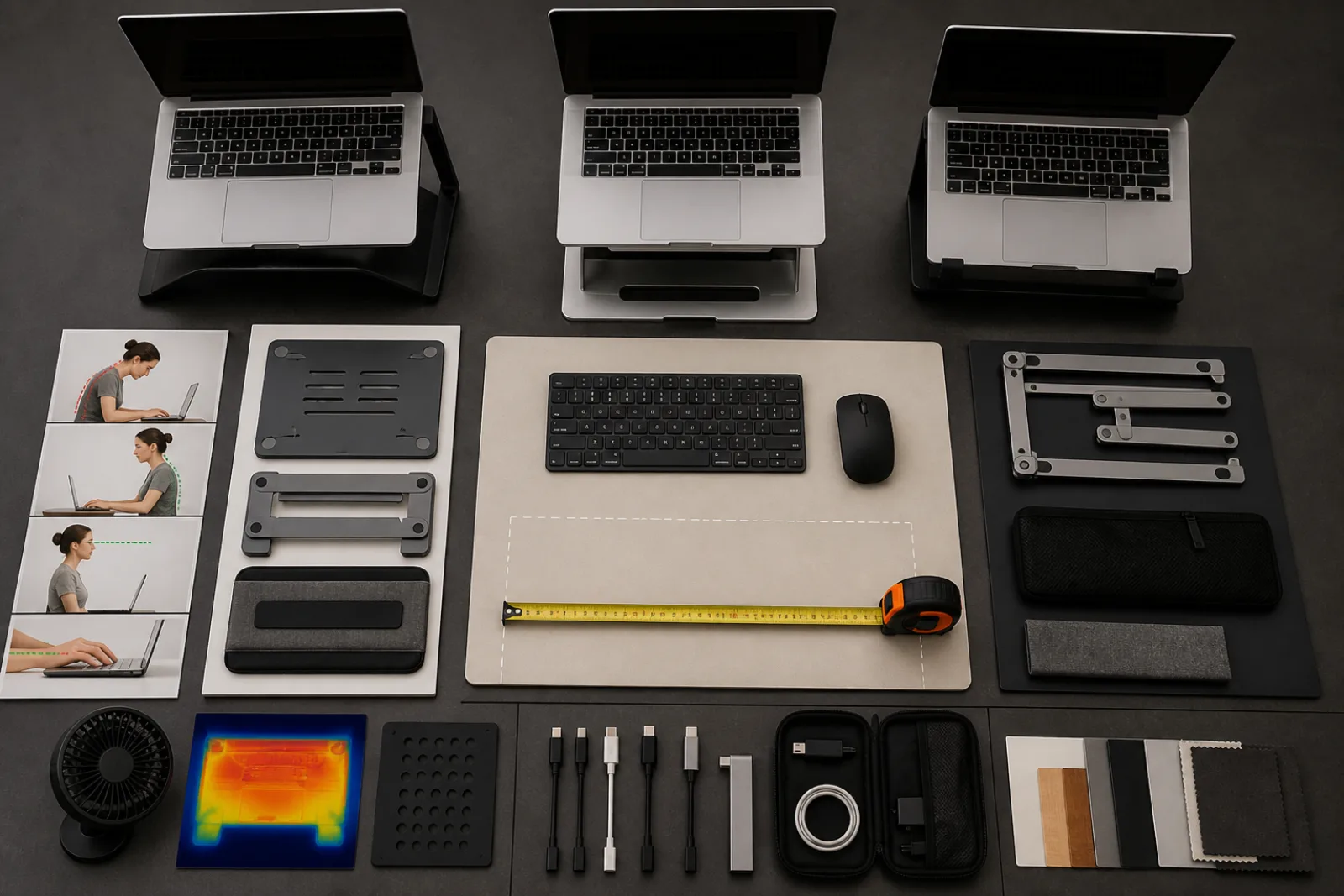
The stand aisle sells a picture of a floating laptop and a clean desk. OSHA's picture is less pretty and more accurate. If that notebook is your all-day computer, treat it like a desktop: screen at the height a monitor would use, keys and pointer somewhere your elbows can live. The hinge that looked clever in a cafe is the reason your neck points at your belt.
Raise only the screen and keep typing on the deck, and you have invented a cash register. Shoulders shrug. Wrists extend. The Amazon review that says 'my neck feels better' is often a person who has not noticed their traps yet.
| Type | What it is for | What it is not for |
|---|---|---|
| Fixed wedge or block | A known desk, a known laptop, one height that already matches your eyes | Sharing a desk with a taller or shorter person, or a 16-inch machine on a stand cut for an 13-inch |
| Adjustable riser (step or gas) | Getting the top of the screen to eye level without buying a new object when you change chairs | A wobbly tower you will then type on. If it flexes, you will hate it in a week. |
| Folding travel stand | Hotels and hot desks, if it still leaves room for a compact keyboard | All-day primary use on a flimsy tray table. OSHA already says minimize laptop duration on planes and in hotels, and change posture. |
| Vertical dock (laptop on its side) | Closed-lid use with an external monitor | Raising the built-in screen. This is not a stand for the clamshell display. |
| Stack of books | Height, immediately, while you learn whether you will actually plug in a keyboard | Travel, tight vents, or a machine that slides. Upgrade when the experiment works. |
Measure the person, then the SKU
- 01Sit as you actually work
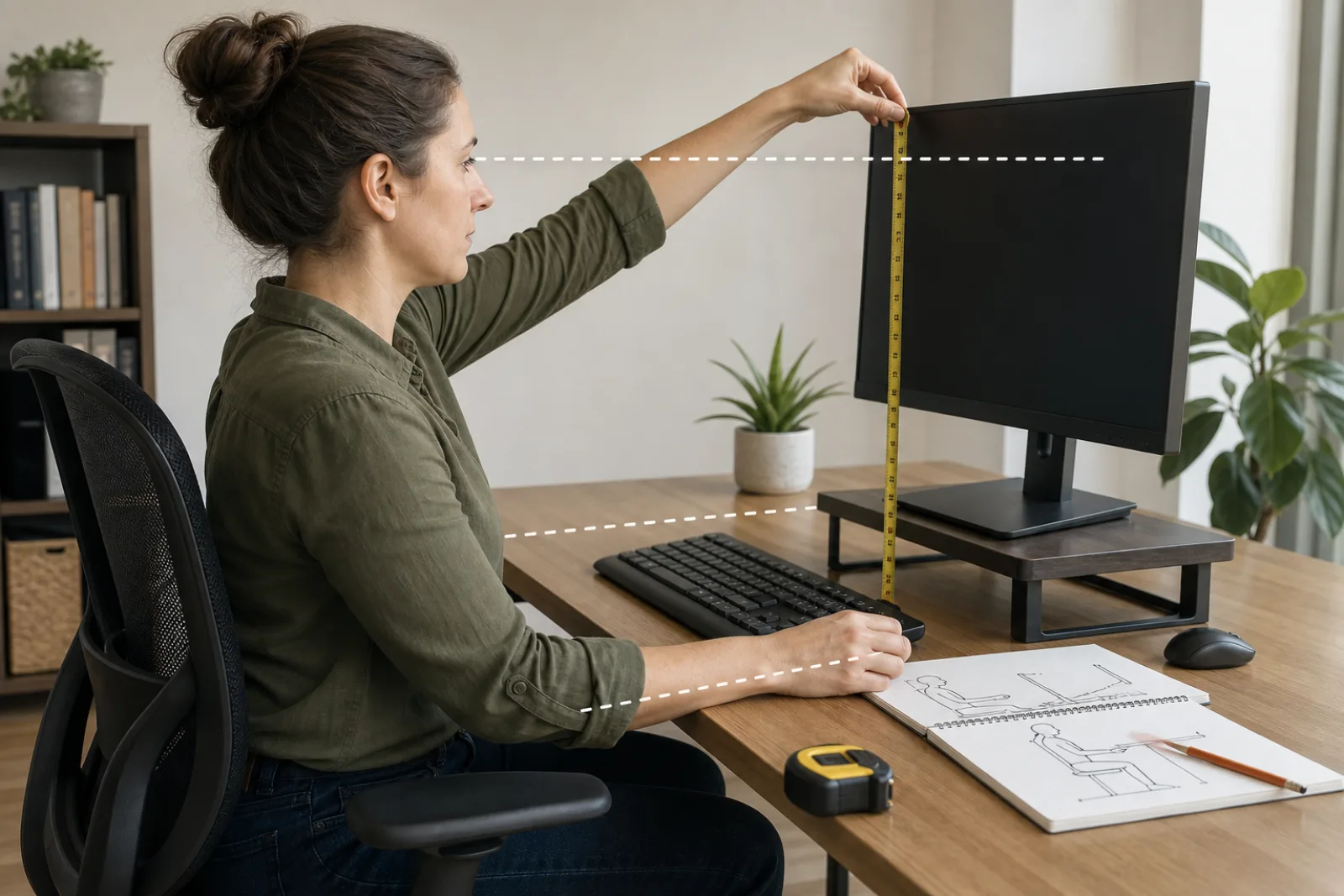
Chair you use, shoes you wear, desk that will not move. Look straight ahead. That eye line is the target for the top of the laptop screen, or slightly below, matching OSHA's monitor item.
- 02Measure desk to eye
A tape from the desk surface to your eyes, minus the height of the laptop's own screen bezel to the top of the panel. The stand must supply that difference. A 'ergonomic' 15-degree tilt with no height spec is a shrug.
- 03Confirm keyboard real estate
A full-size keyboard is about 45 cm wide and 12 to 18 cm deep. If the stand's footprint eats that depth, the keys go in your lap or you twist. Either is a miss.
- 04Check vents, ports, and weight
Intake on the bottom cannot sit on a solid slab. Side ports need a hole or a gap. The stand's rated load should exceed the laptop. Aluminum poetry does not replace a kilogram rating.
- 05Buy the keyboard in the same cart
If you will not, do not buy the stand yet. You are shopping for a new ache. How to set up a laptop for longer work is the rest of the dock.
- Height range
- Numbers, not 'adjustable.' Match your desk-to-eye measurement. Bifocals often need the screen a bit lower so you are not tipping the head back (OSHA monitor item 2).
- Stability
- Wide base, rubber feet, no bounce when you press a corner. If the only way to type is the laptop keyboard, stability is even more important, and you should still not type that way for hours.
- Ventilation
- Open architecture or a cutout under the chassis. A pretty slab that blankets the fans is a thermal product, not an ergonomic one.
- Weight and fold
- Travel stands should survive a bag and deploy in under a minute. Desk stands can be heavier. Do not buy travel flex for a machine that never leaves the room.
OSHA evaluation checklist for monitor height, keyboard posture, and laptop-as-primary-computer. Product fields are how stands are sold, not a test we ran.
An external monitor is the other way to obey the screen half. Then the laptop can sit in a vertical dock or stay closed. That is often calmer than a high-rise notebook that still has a 14-inch panel in your face. The stand remains useful when you take the machine to a second room.
How to set up a computer workstation is the full measurement piece. How to make a desk easier to use is the surface. This page is only whether the riser you are about to buy can hold a display where OSHA already told you to put a monitor.
Screen up, keys down, stand still
- 01
The stand raises the display. The keyboard stays at elbow height, on a different object.
- 02
Match height range to your sitting eye line. Guessing from a lifestyle photo fails.
- 03
If it wobbles or blocks vents, it will not stay on the desk.
Questions
- 01Can I use the laptop keyboard on the stand for 'just a few emails'?
A few is how all-day starts. OSHA's hotel and plane note is: change posture and keep the duration short. At a real desk, plug in the keys.
- 02Is a $15 folding stand enough?
If it hits your height, does not flex, and leaves keyboard room, yes. Price is not a posture. Flex is.
- 03Do I need a stand if I already have a monitor?
Not for the hours you are on the monitor with the lid closed. You need one for the hours you are not.