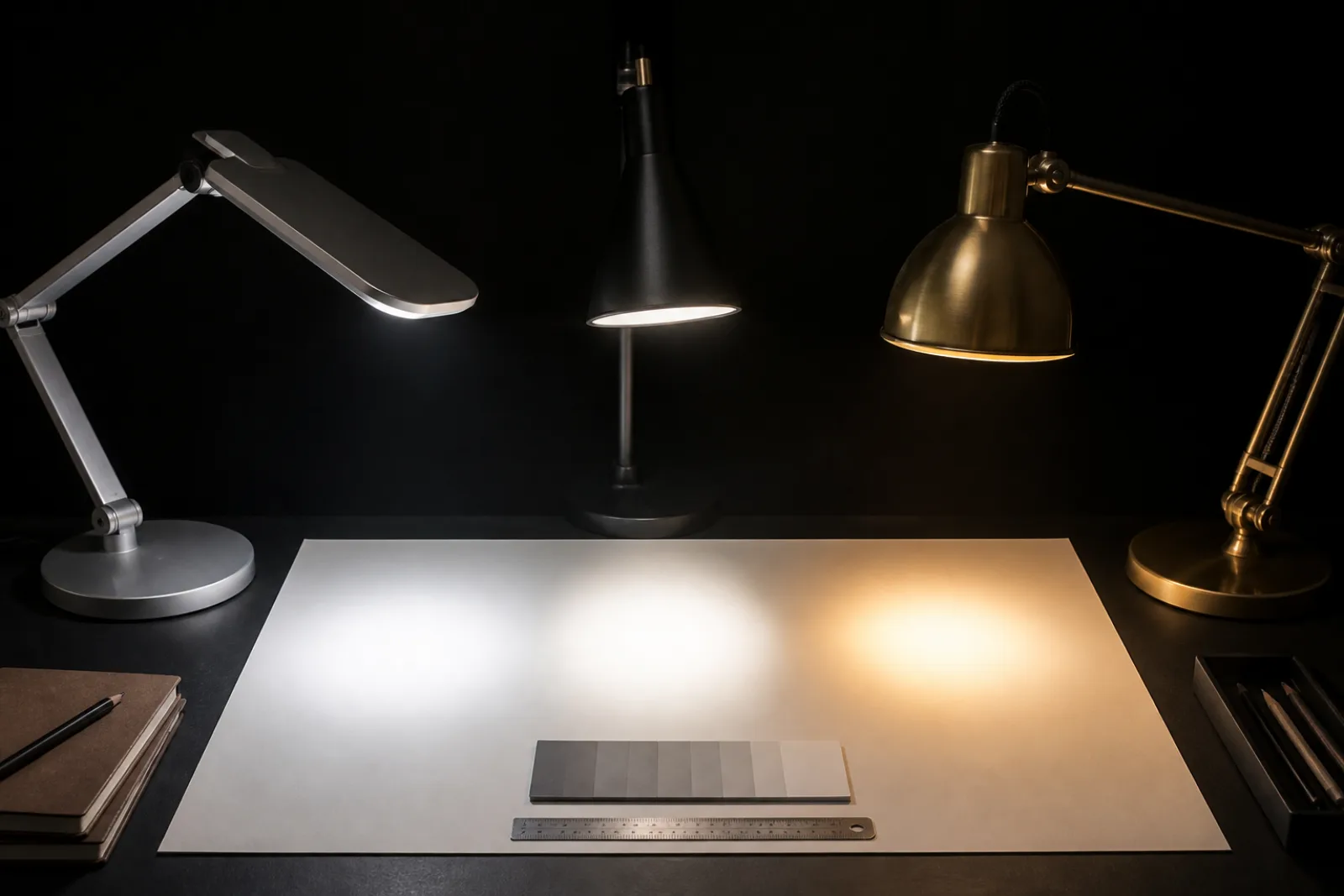
A desk lamp's box usually leads with a watt number, 9W LED or 60W equivalent, and that number answers a question almost no one is actually asking when shopping for a desk lamp: how much electricity will this draw. It says nothing about how bright the light will actually be, what color the light appears, how accurately it renders the colors on a desk, whether it flickers in a way the eyes register as fatigue even without conscious awareness of it, or whether the lamp will stay upright and pointed where it was left after a week of adjusting the arm.
Culture Column has not hands-on tested the desk lamps in this comparison; no unit here has been measured on a light meter or run for a week on a real desk. What follows is grounded in U.S. Department of Energy lighting guidance, the Illuminating Engineering Society's published illuminance recommendations, and IEEE's flicker-mitigation standard, so the specifications below can be checked directly against any lamp's listed numbers rather than its marketing copy.
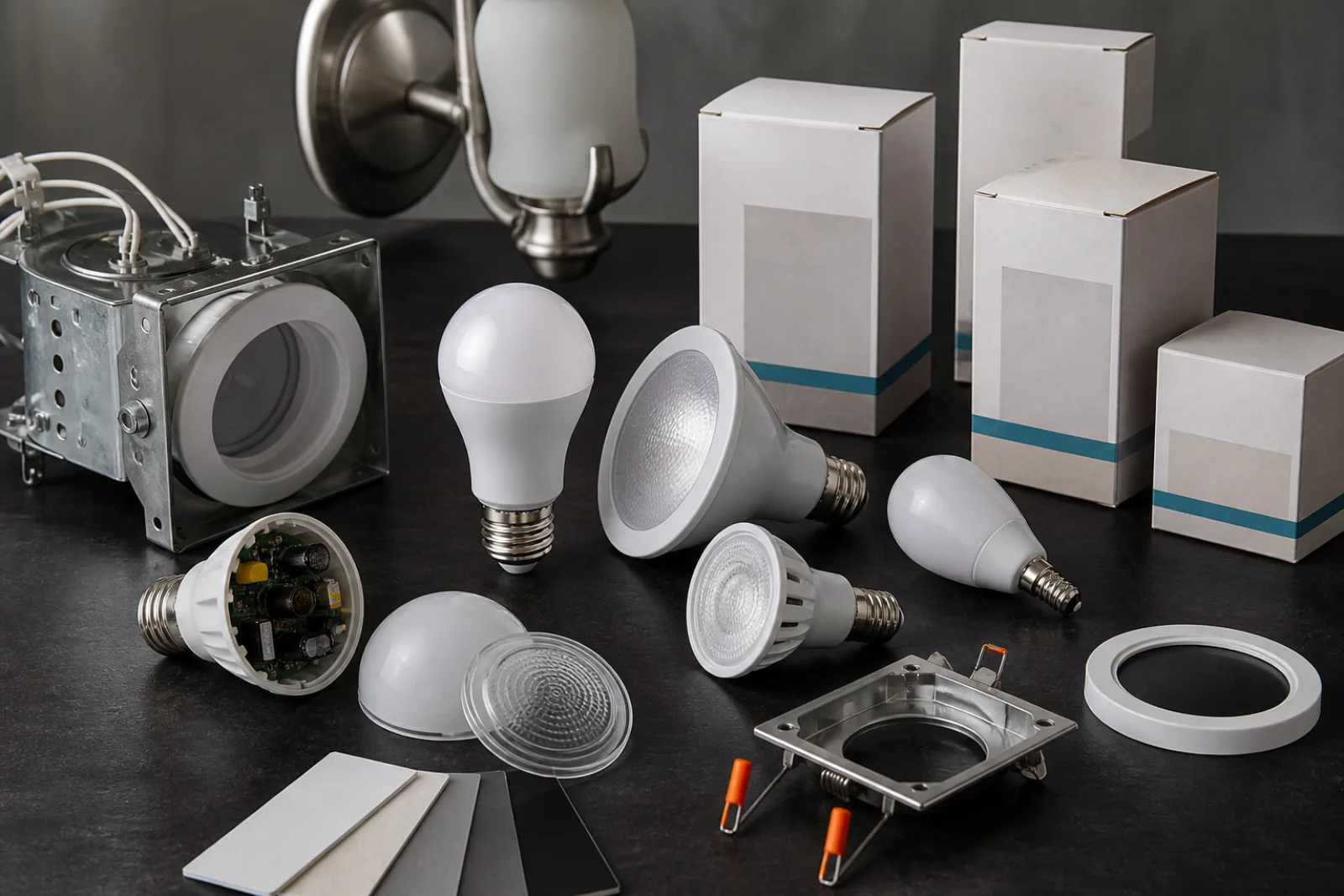
Lumens measure the total visible light a source produces; watts measure the electricity it consumes to produce that light. The U.S. Department of Energy's guidance on buying efficient lighting is explicit that lumens, not watts, are the number to compare across bulb types, because the same lumen output now requires wildly different wattages depending on the technology: producing roughly 800 lumens, historically an ordinary 60-watt incandescent bulb, takes about 5.9 to 10.5 watts from an LED source. A 9W desk lamp from one brand and a 9W desk lamp from another are not necessarily equally bright; only the lumen figure actually tells you that.
The same brightness that once required 40 to 100 watts of incandescent power now takes roughly 4 to 20 watts in LED form, which is why wattage alone stopped being a useful brightness signal once LED lamps became standard.
Purchasing Energy-Efficient Light Bulbs, U.S. Department of Energy · accessed 2026-08-11 · Values reflect DOE incandescent-to-LED lumen equivalence guidance; chart values use the midpoint or lower bound of each cited LED wattage range.
How much light actually reaches the desk surface, not just how much the bulb produces, is a separate measurement called illuminance, expressed in lux or foot-candles. General office reading and writing calls for roughly 300 to 500 lux at the work surface, per illuminance recommendations drawn from the IESNA Lighting Handbook, while detailed close work, drafting, fine assembly, proofreading small type, can call for 750 lux or more. A desk lamp's total lumen output only becomes a meaningful number in the context of how far the bulb sits from the work surface and how directly it's aimed; a high-lumen bulb aimed mostly at the ceiling through a diffuse shade delivers far less illuminance at the desk than the same bulb in a lamp with a more direct, adjustable head.
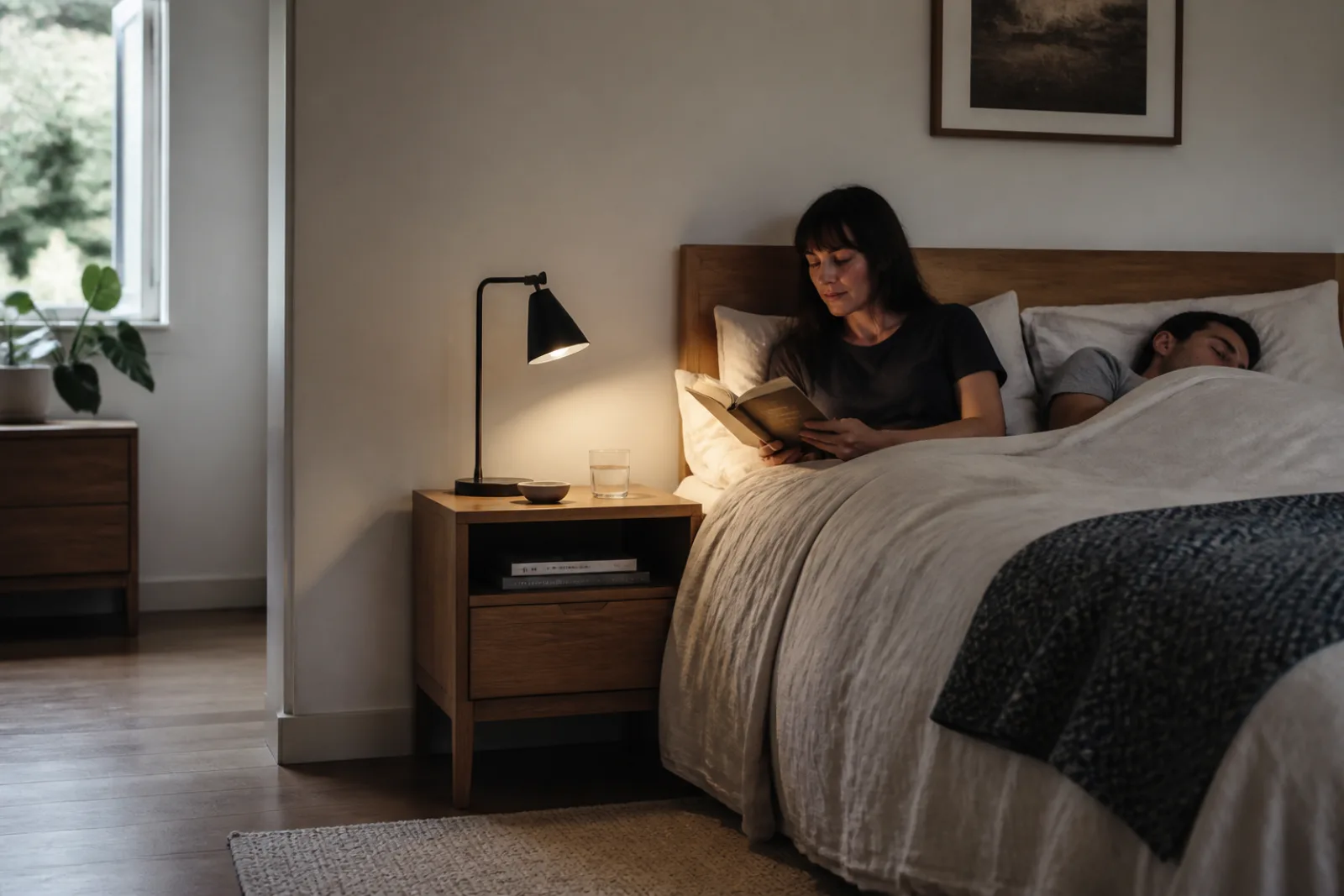
Color temperature describes the visual warmth or coolness of a light source on the Kelvin scale, and it is a design choice, not a quality signal. The Department of Energy's own guidance groups roughly 2,700K as warm and residential-feeling, 3,000-3,500K as a neutral in-between suited to lobbies and general rooms, and higher figures as cooler, associated with alert, clean, efficient-feeling light. For desk work specifically, a range of roughly 4,000K to 5,000K is the commonly recommended band: it reads as neutral to slightly cool white rather than amber, and it's the range most associated with sustained visual focus rather than relaxation. 5,000K in particular is treated as close to natural daylight and is a standard reference point in fields like design and photo editing, where accurate color judgment matters.
- 2,700K
- Warm, amber-toned, residential feel; comfortable for evening use, not ideal for sustained focus work
- 3,000-3,500K
- Soft neutral; general-purpose, common in living spaces and lobbies
- 4,000-5,000K
- Neutral to cool white; the commonly recommended range for desk and task work
- 5,000K
- Close to natural daylight; standard reference point for color-critical work like design or photo editing
- 6,500K and above
- Distinctly blue-white; can feel harsh for sustained close-up work despite being marketed as "daylight"
Color temperature groupings adapted from U.S. Department of Energy lighting purchasing guidance, accessed 2026-08-11
Color Rendering Index (CRI) measures how accurately a light source reveals the true colors of what it's illuminating, on a 0-to-100 scale referenced against natural daylight, and it is independent of both brightness and color temperature; a lamp can be plenty bright and the right color temperature while still rendering colors inaccurately. ENERGY STAR's qualification requirements set a floor of CRI 80 for general use, and 80 is workable for ordinary reading, typing, and paperwork. Anything involving real color judgment, graphic design, photo or print review, color-matching fabric or paint samples, benefits from CRI 90 or higher, where the gap between what a low-CRI lamp shows and true color becomes large enough to actually mislead a decision.
Flicker is rapid, repeated fluctuation in a light's output, usually invisible to the naked eye at typical LED driver frequencies but still capable of contributing to eyestrain, headaches, and fatigue over a full day even when never consciously perceived. IEEE's 1789-2015 recommended practice for LED lighting sets frequency-based risk bands: modulation below roughly 90Hz carries meaningfully higher risk and should generally be avoided, modulation in the 90-1,250Hz range is acceptable depending on how deep the fluctuation is, and modulation above roughly 1,250Hz is generally considered lower-risk. Very few desk lamp listings publish a flicker percentage or frequency at all, which makes this the specification most often missing entirely rather than misrepresented; a lamp described as flicker-free without a number attached is making a claim the listing doesn't actually back up.
A lamp's arm is only as useful as the base or clamp holding it up. A weighted-base lamp needs enough mass at the bottom to keep the whole fixture from tipping when the arm is extended to its full reach, especially with a heavier lamp head; a clamp-mounted lamp shifts that stability requirement onto the desk itself, since the clamp needs enough desk-edge thickness and clearance to grip securely, which rules out some slim modern desks entirely. Multi-joint articulating arms that move the head through a wide range without the whole assembly drooping under its own weight over time depend on the quality of the joint hardware inside them. This is real and worth checking before buying, but it's a mechanical, product-specific durability question rather than one with a published testing standard the way lumens or CRI have; it's the kind of detail a spec sheet won't answer and only use over months actually reveals.
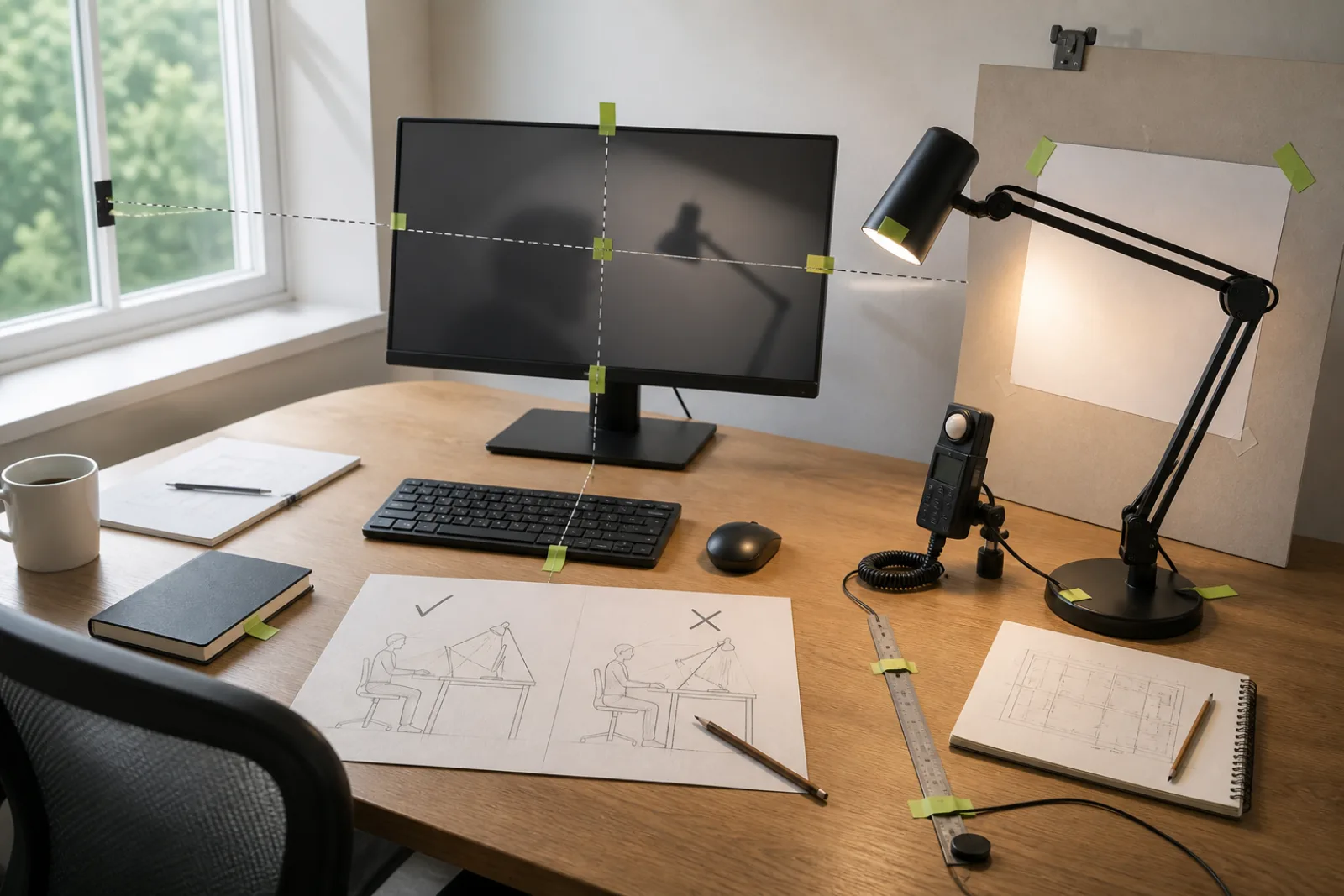
Two details rarely make it into marketing copy but affect daily use more than most published specs: where the switch sits, and how the light is aimed relative to your line of sight. A switch mounted on the base under the lamp head has to be found by feel, often while looking at a screen; a switch built into the cord or positioned on the arm itself is easier to locate without looking away from work. On glare, OSHA's computer workstation guidance recommends well-diffused light sources over exposed bulbs, positioning light sources so they don't sit directly in the line of sight to a screen, and using shades or diffusers specifically to reduce the hot spots and sharp shadows that undiffused lighting creates. An adjustable desk lamp is only actually adjustable in a useful sense if its head can be angled away from a monitor's surface, not just up and down.
Before you buy
- 01
Compare lumens, not watts; the DOE's own guidance treats watts as a power-consumption number, not a brightness number, and LED wattage for a given brightness varies by roughly 2x across products.
- 02
4,000-5,000K with a CRI of 90 or higher is the combination most consistently recommended for sustained, color-accurate desk work; CRI 80 is an acceptable floor for general reading and typing only.
- 03
Flicker and switch placement are the two specs least likely to appear in a listing at all; their absence is common, not necessarily disqualifying, but worth asking about directly.
Questions
- 01Is a higher lumen count always better for a desk lamp?
No. Illuminance recommendations point to roughly 300-500 lux at the work surface for reading and typing, and higher figures only for detailed close work; well beyond that range, additional lumens mostly add glare and eye strain rather than usable light, especially at close range on a desk.
- 02What color temperature should I actually buy?
For most desk work, 4,000-5,000K is the commonly recommended range; a lamp with an adjustable color temperature setting allows shifting toward the warmer end for evening use and the cooler end for daytime focus, without buying two lamps.
- 03Does CRI matter if I'm not doing design work?
It matters less, but not zero; even ordinary reading and paperwork looks slightly better and causes less eye fatigue at CRI 90-plus than at the CRI 80 floor, it's just not the deciding factor for general use the way it is for color-critical work.