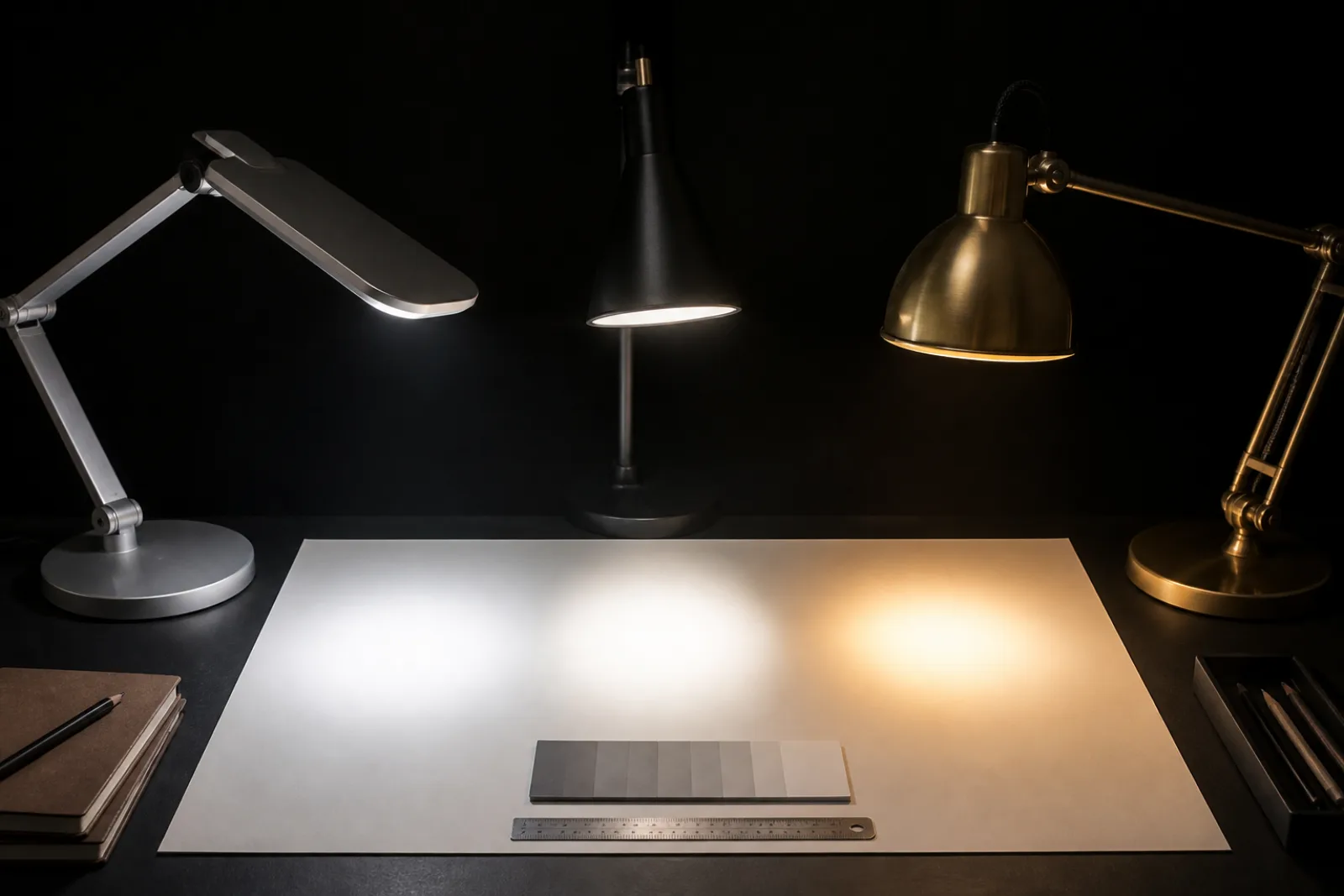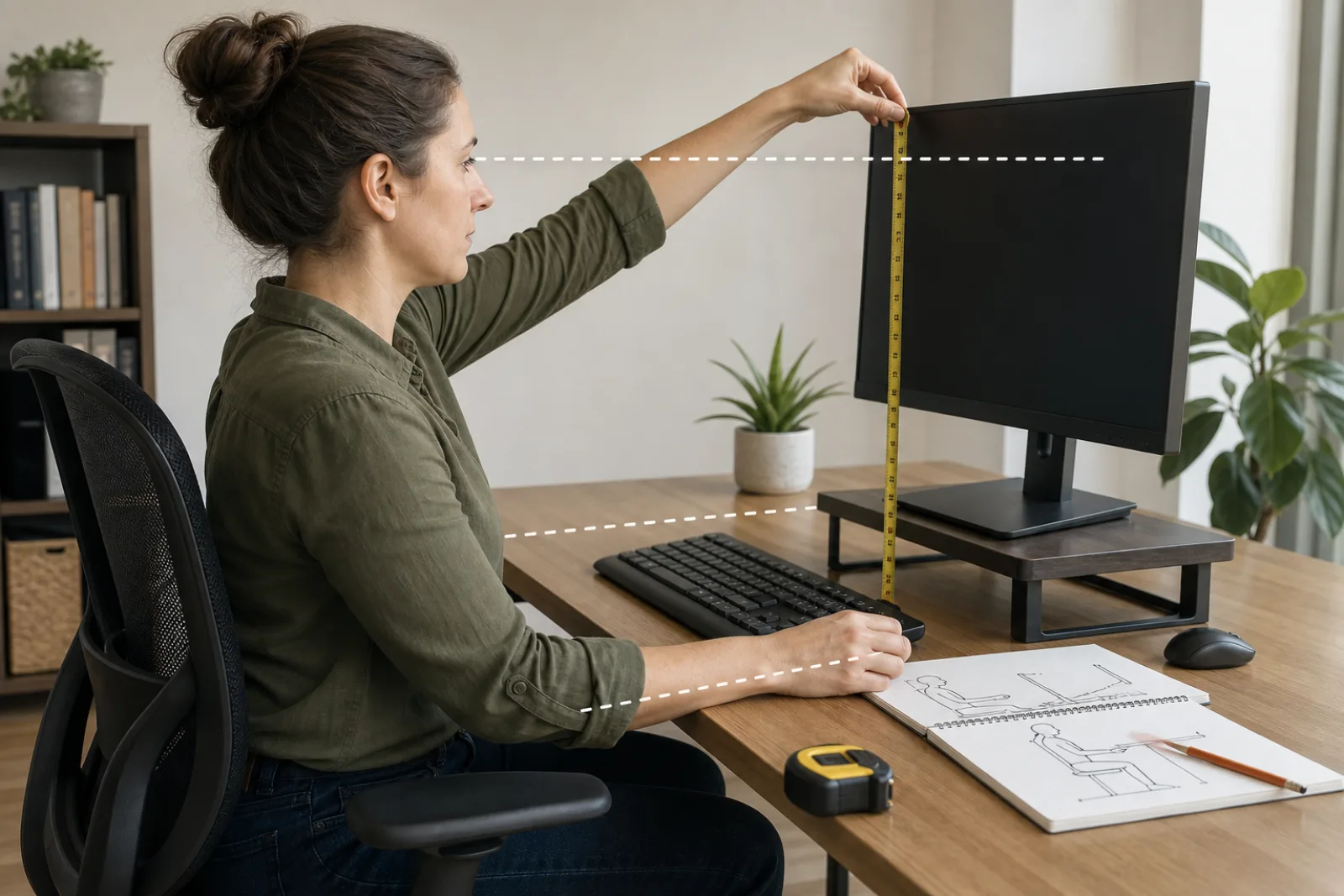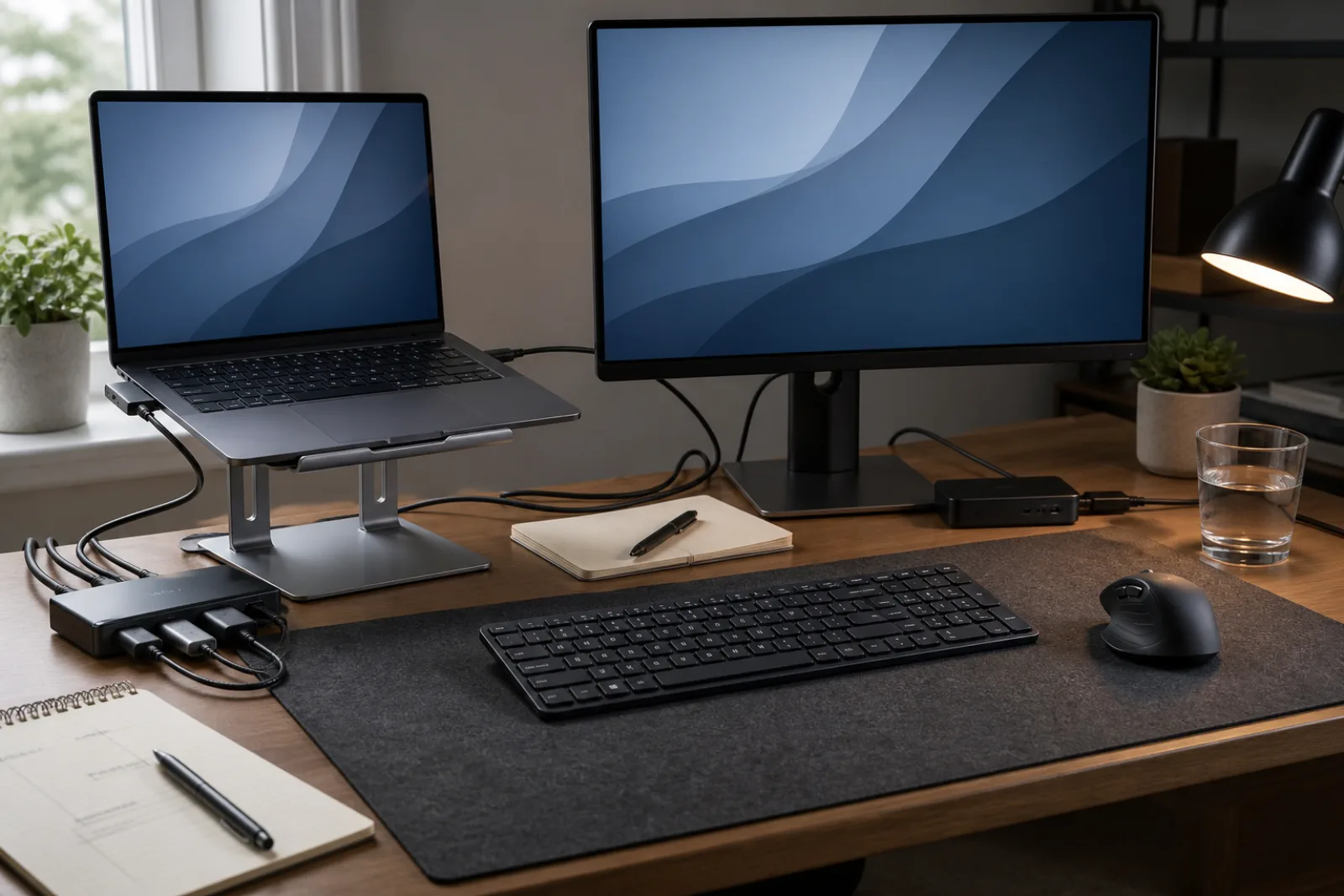
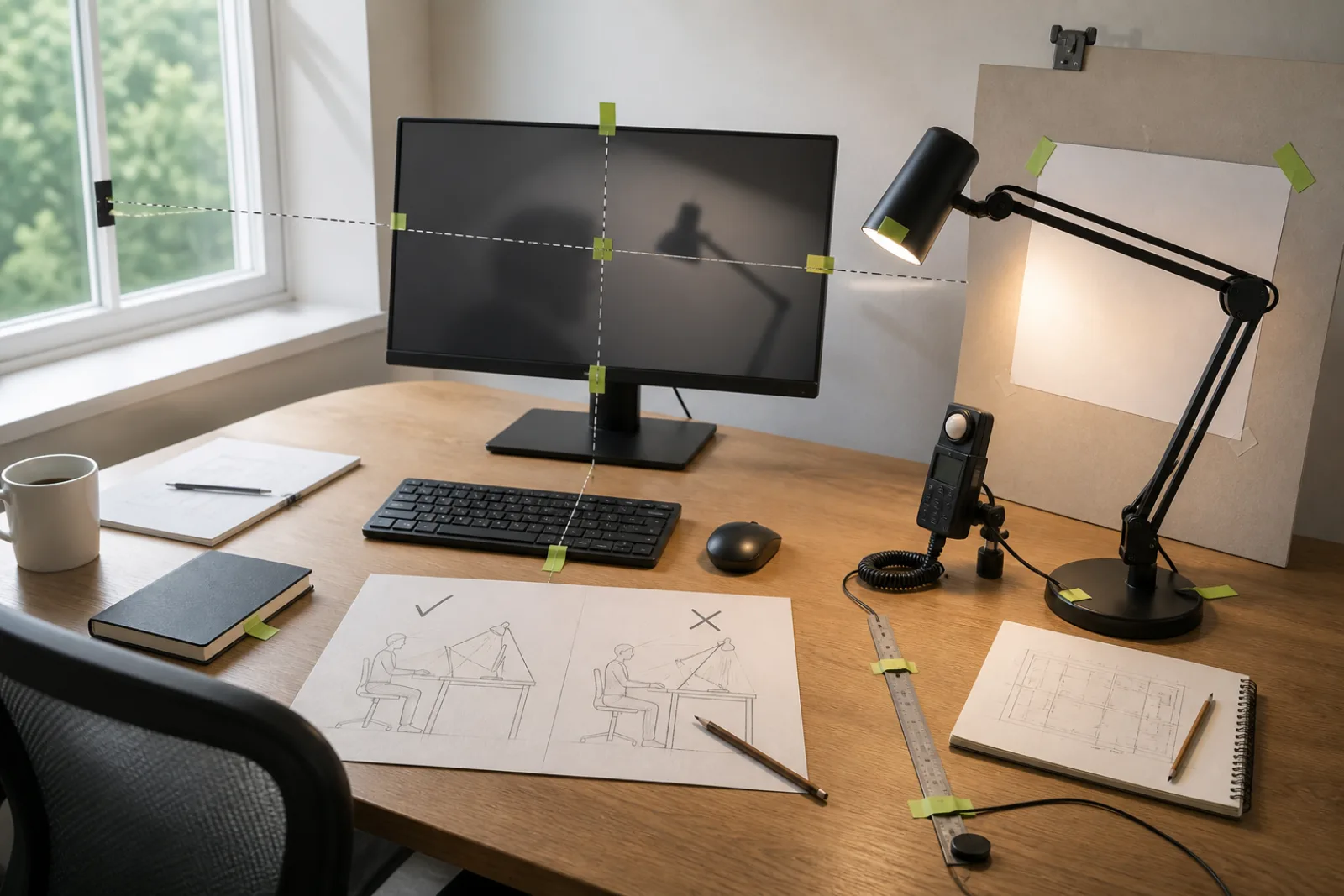
The Reviews companion, What to look for in a desk lamp, is the box: lumens, kelvin, CRI, flicker. This page assumes you can buy a decent LED and asks whether the object in your hand will behave on a desk that also has a computer. Most 'desk lamps' are small room lights. They raise the whole field, bounce off a glossy screen, and leave the keyboard in your own shadow. A good one is a directional tool with a dimmer.
OSHA's monitor chapter is mostly about the display, which is the point. People do not sit in strange postures because they lack discipline. They sit that way to escape glare. A lamp can be the glare.
Only one of them is the job.
- 01The task
Page, notebook, keyboard, parts you are assembling. This is what the shade should confine. Dim until the paper is easy and the screen still has contrast.
- 02The screen
A specular hit turns the monitor into a mirror. OSHA: a screen tilted back catches overhead fixtures. A lamp behind you or high and naked does the same from a closer range.
- 03Your eyes
If you can see the bulb, the lamp is in the sightline. Opaque or deeply recessed shade. The glowing 'halo' some lamps advertise is often a glare source with a wellness name.
| Trait | Why it matters at a computer desk |
|---|---|
| Opaque shade, beam you can aim | Task light, not a lantern. Translucent globes light the room and the ceiling, which is a living-room move. |
| Arm that stays where you put it | You will move it when the screen or the paper moves. A collapsing arm becomes overhead glare. |
| Dimmer (or at least two levels) | Paper wants more light than a dark-theme editor. One brightness cannot do evening email and tax forms. |
| Opposite the writing hand | Right-handed: lamp on the left, so the hand does not throw a shadow across the line. Reverse if you write left-handed. |
| Does not fight the window | OSHA: monitor perpendicular to the window. Do not add a lamp that mirrors the window's glare from the other side. |
Occupational lighting guides that adapt the IES handbook put ordinary high-contrast desk work in a few hundred lux, and they quote ANSI/IESNA RP-1-04: where computer tasks predominate, keep average illuminance from exceeding 500 lux so the screen still has contrast, and add task lighting for paper. You do not need a meter to use the idea. If the display looks washed out when the lamp is on, the lamp is too flood-y or too bright. Dim it or aim it down.
CRI and color temperature still matter, and they are specified in the Reviews piece: cooler, high-CRI light for color-critical work, warmer for evening. Do not buy a 5000 K flood for a desk you use after dinner unless you like feeling like a pharmacy. How to choose bedside lighting is the sleep-room version of that instinct. How to improve lighting in a rental is the apartment-wide version.
Clamp versus base is furniture. A clamp saves the desk and needs a lip. A heavy base survives a bump. Neither fixes a bare bulb. Buy the mechanics first, then match lumens using the other article.
Aim, shade, dim
- 01
Hit the page. Miss the screen. Hide the bulb.
- 02
Computer-heavy desks do not want a flood. About 500 lux average is the IES-derived caution, not a target to beat.
- 03
Lamp opposite the writing hand.
Questions
- 01Can I just use a bright overhead?
Overheads are the glare OSHA worries about when the screen tilts back. A dimmable overhead plus a small task lamp is the usual adult setup. One blazing ceiling disc is a classroom.
- 02Is a monitor light bar a desk lamp?
It can light the desk without occupying the surface, if it does not reflect in a glossy screen. Treat it as a beam you still have to aim. It does not replace a lamp for paper off to the side.
- 03Do I need 90 CRI for coding?
No. Color-critical work (print, makeup, product photos) wants high CRI. Code wants contrast and no flicker. See the Reviews spec sheet for numbers.