A separate Culture Column guide covers how to adopt a password manager: generate unique passwords, turn on MFA for the vault, export a backup, and set up a recovery path before you need it. This article is the Reviews companion. It does not walk through onboarding. It compares four widely used designs using only what the vendors and the relevant U.S. agencies document: 1Password's Secret Key model, Bitwarden's zero-knowledge master-password vault, Apple's iCloud Keychain (including its recovery escrow), and Google Password Manager (including optional passphrase and on-device encryption). Culture Column has not audited these codebases or pentested these services. There is no winner column.
The policy backdrop is no longer a debate. NIST SP 800-63B-4, finalized in July 2025, says verifiers shall allow password managers and autofill, and should allow paste. CISA's public campaign tells people to make passwords long (at least 16 characters), random or a short passphrase of unrelated words, and unique, and to store them in a manager. Those sentences tell you to use a manager. They do not tell you which recovery philosophy to accept.
Start with 1Password, because the company publishes the dual-secret split in support documentation rather than leaving it as a slogan. Your vault encryption key is derived from two pieces: the account password you memorize, and a Secret Key created on your device. 1Password describes the Secret Key as 34 letters and numbers, about 128 bits of entropy, never sent to the company, and not recoverable by support. The account password, because it has to be memorable, is described as averaging about 40 bits of entropy. The password protects data on a device you already have. The Secret Key protects data off the device: a dump of 1Password's servers, in this telling, does not include the Secret Key, so offline guessing of the account password is not enough. The Secret Key is not a backup code. If you forget the account password, the Secret Key will not let you in. The recovery artifact is the Emergency Kit, a printable record of account details and the Secret Key, which you are supposed to store offline. Lose the password, the Secret Key, and every signed-in device, and 1Password's documented position is that the company cannot reconstruct the vault.
Bitwarden's white paper describes a more classical zero-knowledge password manager. Vault data is encrypted on the client with AES-CBC 256-bit encryption and HMAC before it reaches Bitwarden. Key derivation uses PBKDF2-SHA-256 or Argon2id. Bitwarden states that it never stores the master password and cannot see vault contents, including, in its stricter framing, item names and URLs. The source code is on GitHub and is third-party audited, which is a transparency property, not a proof that any given hosted instance is perfectly operated. If you forget the master password, Bitwarden cannot reset it. The planned exceptions are features you turn on first: emergency access (a trusted contact who can request view or takeover after a wait you configure), and organization-level account recovery where that product tier exists. Takeover emergency access, Bitwarden documents, lets the contact set a new master password and strips the previous two-step login methods. Export is first-class: JSON, CSV, encrypted JSON (account-restricted or password-protected), with decryption happening locally. Self-hosting is a documented deployment, which changes who runs the server without changing the client-side encryption story.
Apple's iCloud Keychain is easy to misread as 'Apple can see your passwords' or as 'Apple can never help you.' Apple's platform security guide says both of the following, and they are not a contradiction. Sync: keychain items travel through Apple servers end-to-end encrypted so that Apple and other devices outside your circle of trust cannot read them. Recovery: a design goal is that you can get the keychain back even if every device is gone, because Safari-generated passwords may exist nowhere else. The recovery path is a secure escrow. Apple's documentation describes encrypting a keychain copy, wrapping it to an HSM cluster's public key, and releasing it only after Apple Account authentication, an SMS to a registered number, and a Secure Remote Password proof that you know the device passcode or iCloud security code, without sending that code to Apple. The HSM cluster allows ten attempts. After the tenth failure, it destroys the escrow record. Apple is not claiming it can decrypt your passwords on a whim. It is claiming it built a hardware-guarded recovery service so that 'I lost the phone and the laptop' is not automatically 'I lost every password.' That is a different product goal from 1Password's Emergency Kit, which puts recovery in a piece of paper you control.
Google Password Manager is the default vault for many Chrome and Android users, which makes its trust boundary easy to skip. Google's account help describes saving passwords to the Google Account (synced) or only on the device, with encryption and optional on-device encryption. Chrome's sync documentation is the clearest published fork in the road: by default, synced Chrome data is encrypted in transit and at rest in Google's infrastructure; an optional passphrase lets you use Google's cloud 'without letting Google read' that synced data, at the cost of needing the passphrase on every new device and losing some web Password Manager features. That optional passphrase is architecturally closer to a user-held key. The default, in which the Google Account is the recovery path, is architecturally closer to 'if you can recover the Google Account, you can recover the passwords.' Google also documents on-device encryption as a mode in which passwords are unlocked on the device with the Google password or an eligible screen lock. This article will not pretend to have reverse-engineered Google's key storage. The documented point for a buyer is that Google offers more than one encryption mode, and the default is not the same as 1Password's 'we do not have the Secret Key' statement. If you use Google Password Manager as your only vault, read which mode is actually on.
| Question | 1Password | Bitwarden | iCloud Keychain | Google Password Manager |
|---|---|---|---|---|
| What encrypts the vault, per the vendor | Account password plus a device-created Secret Key (about 128 bits), combined locally | Master password, client-side AES-256, KDF PBKDF2 or Argon2id | End-to-end encryption on trusted devices; items sync through Apple servers unreadable to Apple | Google Account encryption by default; optional Chrome sync passphrase or on-device encryption |
| Can the vendor reset a forgotten secret? | No. 1Password says it has no record of the Secret Key and the Secret Key does not unlock a forgotten account password | No, for the master password, unless emergency access or account recovery was configured in advance | Apple cannot read the passwords. A designed HSM escrow can restore the keychain if you prove the passcode or security code, with a 10-attempt limit | Google Account recovery can restore access in the default mode. A sync passphrase, if you set one, is something Google's help says it cannot use to read the data |
| Planned human recovery | Emergency Kit (printed Secret Key and account details), stored offline | Emergency Access: view or takeover after a wait, via public-key exchange | Device passcode / iCloud security code plus Apple Account and SMS, against HSM escrow; recovery contacts for broader iCloud ADP, which is a related but separate setting | Google Account recovery flows; screen lock on eligible devices if on-device encryption is enabled |
| Export / portability, as documented | Account export tools (see current 1Password export documentation for formats) | CSV, JSON, encrypted JSON, zip with attachments; decrypted locally | Passwords app / iCloud; Windows and browser extensions exist, with weaker Android story than a dedicated cross-platform manager | Google Account and Chrome; export exists in Google Password Manager settings. Passphrase mode limits some web views |
| MFA on the vault itself | Supported (authenticator, security keys; see current 1Password docs) | Supported, including security keys; stripped on emergency takeover | Tied to Apple Account two-factor authentication and device passcode | Tied to Google Account 2-Step Verification; Chrome may re-prompt with device biometrics to reveal a password |
| Who this model fits, without calling it better | People who want a second secret that is not the vendor, and who will actually store the Emergency Kit | People who want an auditable, exportable, optionally self-hosted vault and will set emergency access | People living in Apple's devices who want recovery without a paper kit, and who accept Apple's escrow design | People already in Chrome/Android who will either accept Google Account recovery or turn on passphrase / on-device encryption |
Two operational details cut across every row and are easy to confuse. Export is insurance against the vendor: shutdown, price change, lockout, or a desire to leave. An unencrypted CSV is portable and dangerous. Bitwarden's password-protected JSON is a documented middle path. 1Password and the platform managers also export; the format and whether attachments or passkeys come along is a checklist item, not a slogan. MFA on the vault is insurance against a stolen master password. NIST's password-manager FAQ (still useful alongside 800-63B-4) tells subscribers to use MFA on the manager when the product allows it, to choose a long master passphrase, and to avoid managers that let you recover the master password through a weak reset. That last point is the philosophical split in the table: Apple and Google built account recovery as a product requirement. 1Password and Bitwarden treat irrecoverability as the cost of the vendor not holding the key, then add optional human procedures (kit, emergency access) so that irrecoverable does not have to mean 'no plan.'
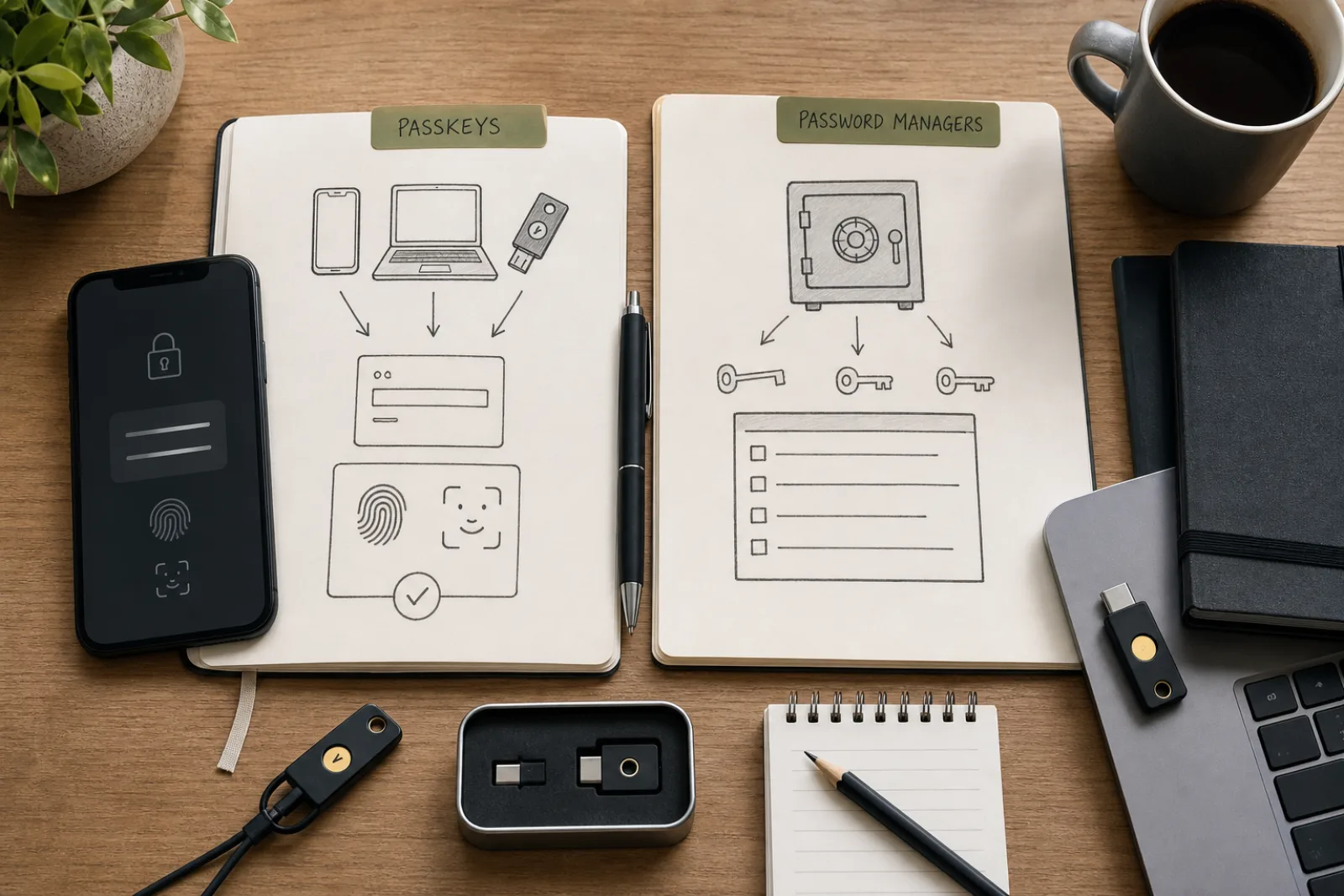
None of these designs eliminates phishing. CISA's public phishing page is about urgent language, lookalike domains, and requests for personal information. A password manager reduces reuse, so a phished password at a junk site is less likely to open the bank. It can also autofill if you are on a page that looks enough like the real one, or if you ignore the domain the manager is offering. A convincing fake login still works if you type the master password into it. Hardware security keys and passkeys, which 1Password, Bitwarden, Apple, and Google all now store or support in various ways, are the phishing-resistant direction NIST is pushing for authenticators. They are complementary, not a reason to skip the vault comparison.
Pick a recovery philosophy, not a mascot
If you lost every device tomorrow, who do you want able to get the vault back?
- 01Recovery versus vendor-blindness
These are opposite product goals. Both are documented. Neither is 'more secure' in the abstract without saying secure against what.
- I want the vendor unable to reconstruct the vault, and I will store a kit or name an emergency contact
- I want a designed account-recovery path if the devices are gone
- 02Independent manager
1Password's Secret Key plus Emergency Kit, or Bitwarden's master password plus emergency access and export. Cross-platform is the usual reason to be here.
- I want a second high-entropy secret that is not my memorized password1Password's documented model is the Secret Key plus account password. Print the Emergency Kit. Turn on vault MFA. This is not a score against Bitwarden.
- I want open source, export flexibility, and optional self-hostBitwarden's documented model is client-side AES-256 and a master password the company cannot reset. Set emergency access and an encrypted export. This is not a score against 1Password.
- 03Platform manager
Apple and Google both encrypt. They differ in whether recovery is an HSM escrow with a passcode proof (Apple) or a Google Account (default) with optional user-held passphrase / on-device encryption (Google).
- My life is already on Apple devicesiCloud Keychain / Passwords, with Apple Account two-factor authentication, is the documented fit. Read the escrow model so you know what the passcode is doing. Export or a second manager if you need non-Apple machines every day.
- My life is already in Chrome and AndroidGoogle Password Manager is the documented fit. Decide whether default Google Account recovery is acceptable. If it is not, use the documented passphrase or on-device encryption modes and accept the recovery tradeoff those modes create.
What actually differs
- 01
Decide whether you want vendor-blind irrecoverability (with a kit or emergency contact) or a designed account-recovery escrow. That is the real fork.
- 02
Turn on MFA for the vault, export in an encrypted format, and do not store the recovery kit inside the vault it unlocks.
- 03
Keep CISA's phishing rules. A manager that fills the wrong site, or a master password typed into a fake page, still loses.
Questions
- 01Which of these is the most secure?
That question skips the threat. Against a server breach, a design where the vendor lacks the key (1Password's Secret Key, Bitwarden's master-password zero-knowledge, Apple's E2E sync, Google's passphrase mode) is the point. Against losing every device, Apple's escrow and Google's account recovery are the point. This article will not collapse those into one score.
- 02Can I use iCloud Keychain or Google Password Manager and a dedicated manager together?
Yes, but then you have two vaults to recover. Pick a primary, export, and disable saving in the other, or you will not know which copy is current.
- 03Does a password manager replace MFA on my email and bank?
No. CISA still tells people to turn on MFA, especially on email, social, and financial accounts. The manager is how you store unique passwords. MFA is the second factor on those accounts, and on the manager itself.