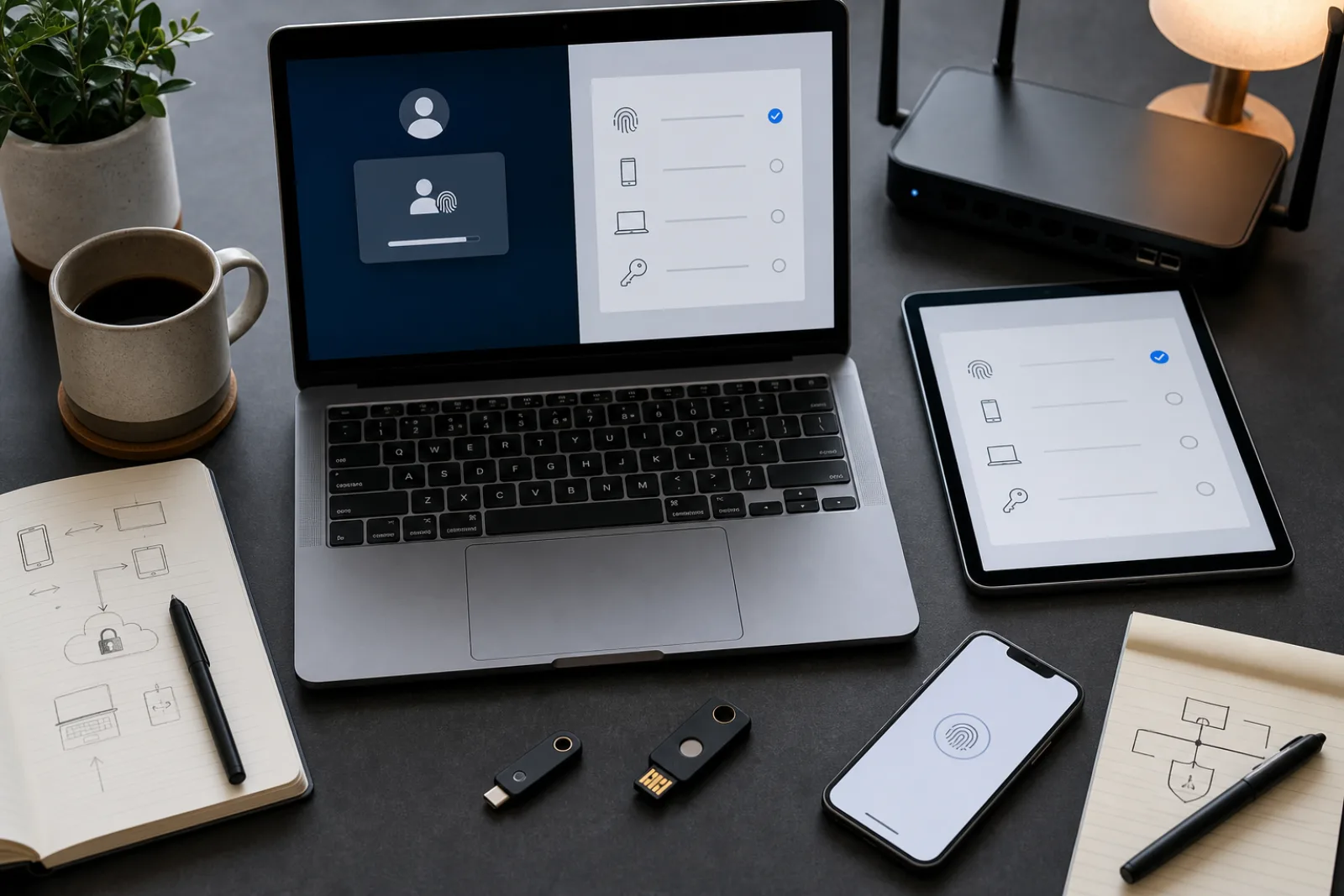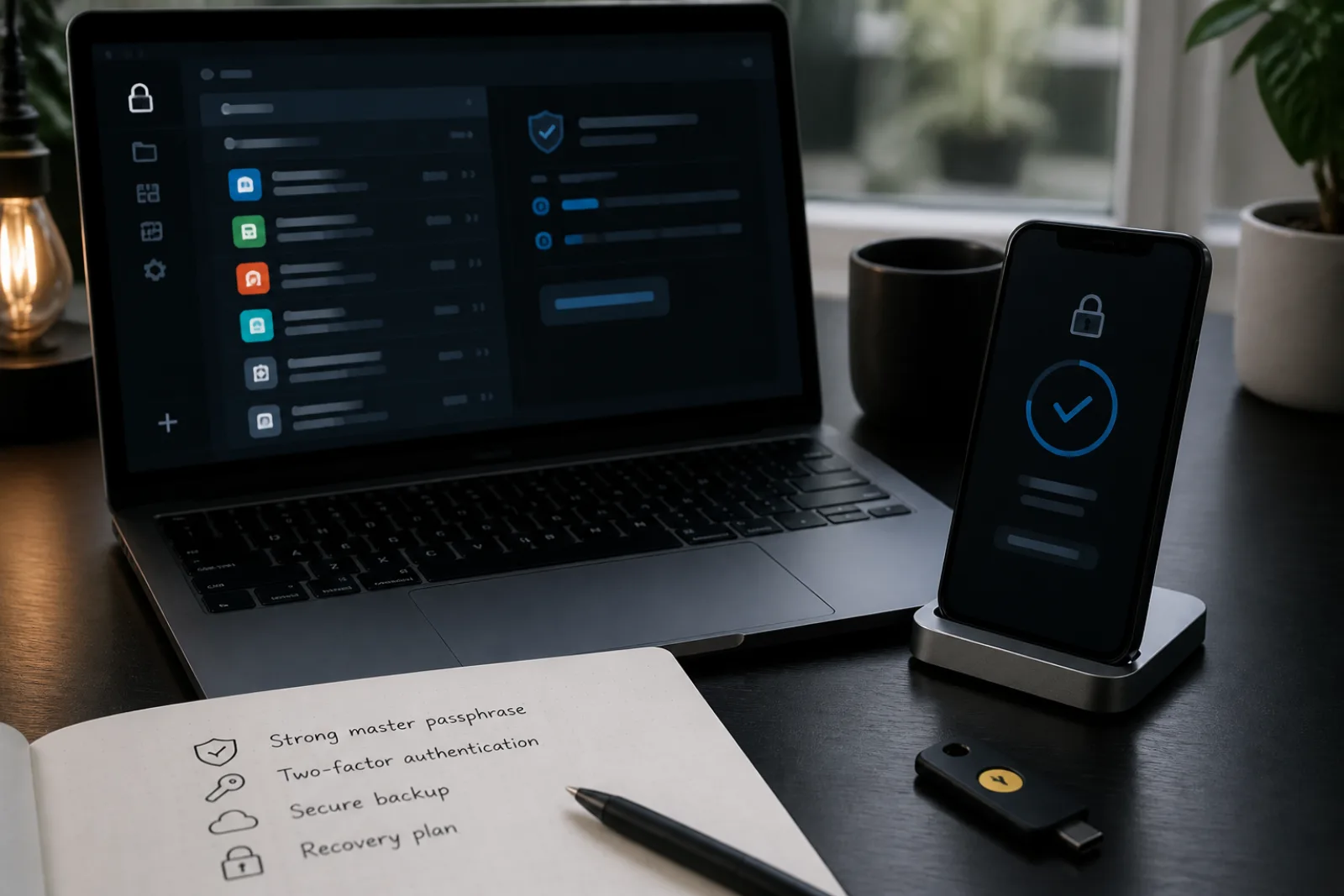
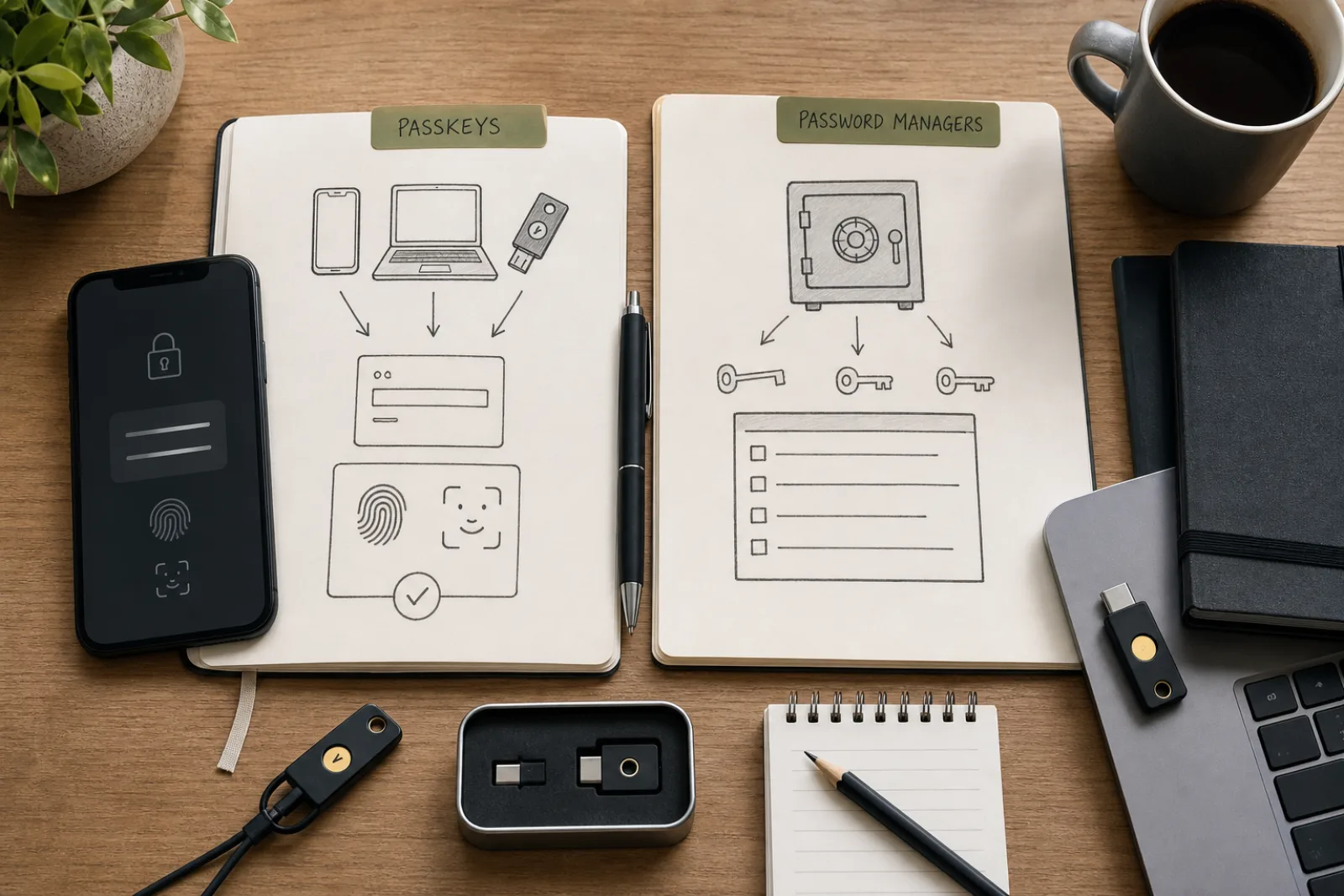
The internet loves a versus. Passkeys versus password managers is a bad versus. One is a type of credential. The other is a box you keep credentials in. FIDO's own passkeys page names Google Password Manager and 1Password in the same breath as passkey providers. NIST's identity FAQ still spends a paragraph on how to use a password manager well. The people writing the standards are not asking you to pick a team.
What you should do is turn on passkeys where the site offers them, keep a manager for everything that does not, and decide whether that manager, or Apple, or Google, is the place those passkeys live. Switching phones without a plan is how people lock themselves out of the better credential.
| Job | Passkeys | Password manager |
|---|---|---|
| Sign in without a phishable secret | Yes, on sites that implemented WebAuthn/FIDO | No. It still autofills a secret the site can be tricked into collecting, unless you only use it for passkeys. |
| The other 80 percent of accounts | Cannot help until the site ships passkeys | Unique generated passwords, which is still NIST's practical advice for remaining passwords |
| Recovery codes, API keys, Wi-Fi, notes | Not their job | Yes |
| Moving from iPhone to Windows | Painful if every passkey lives only in iCloud. FIDO: use a cross-platform provider, or re-register. | A cross-platform manager is the portable passkey provider FIDO describes. |
| Highest-assurance, one copy of the key | Device-bound passkey on a FIDO security key | Not a substitute for a hardware-bound key. Can store the backup codes for that key. |
Where should the passkeys live?
Do you use more than one operating-system family (for example iPhone plus Windows PC)?
- 01Yes, mixed platforms
Prefer a third-party passkey provider in a password manager you already trust, or Google Password Manager if you live in Chrome on every machine. Apple-only iCloud passkeys will not follow you to a Windows-only work laptop without extra dance steps FIDO documents as cross-device QR/BLE or account recovery.
- I already pay for a manager that stores passkeysMake it the passkey provider in OS settings. Create new passkeys there, not in the phone's default, unless you like split brains.
- 02No, I am all-Apple or all-Google
Platform passkeys are convenient and valid. Still keep a password manager for non-passkey sites. Still write down recovery for the Apple ID or Google account, because that account is now the vault of the vault.
- I also want a break-glass hardware keyRegister a device-bound passkey on a FIDO security key for email and the password manager. FIDO: security keys have held device-bound passkeys since 2019.
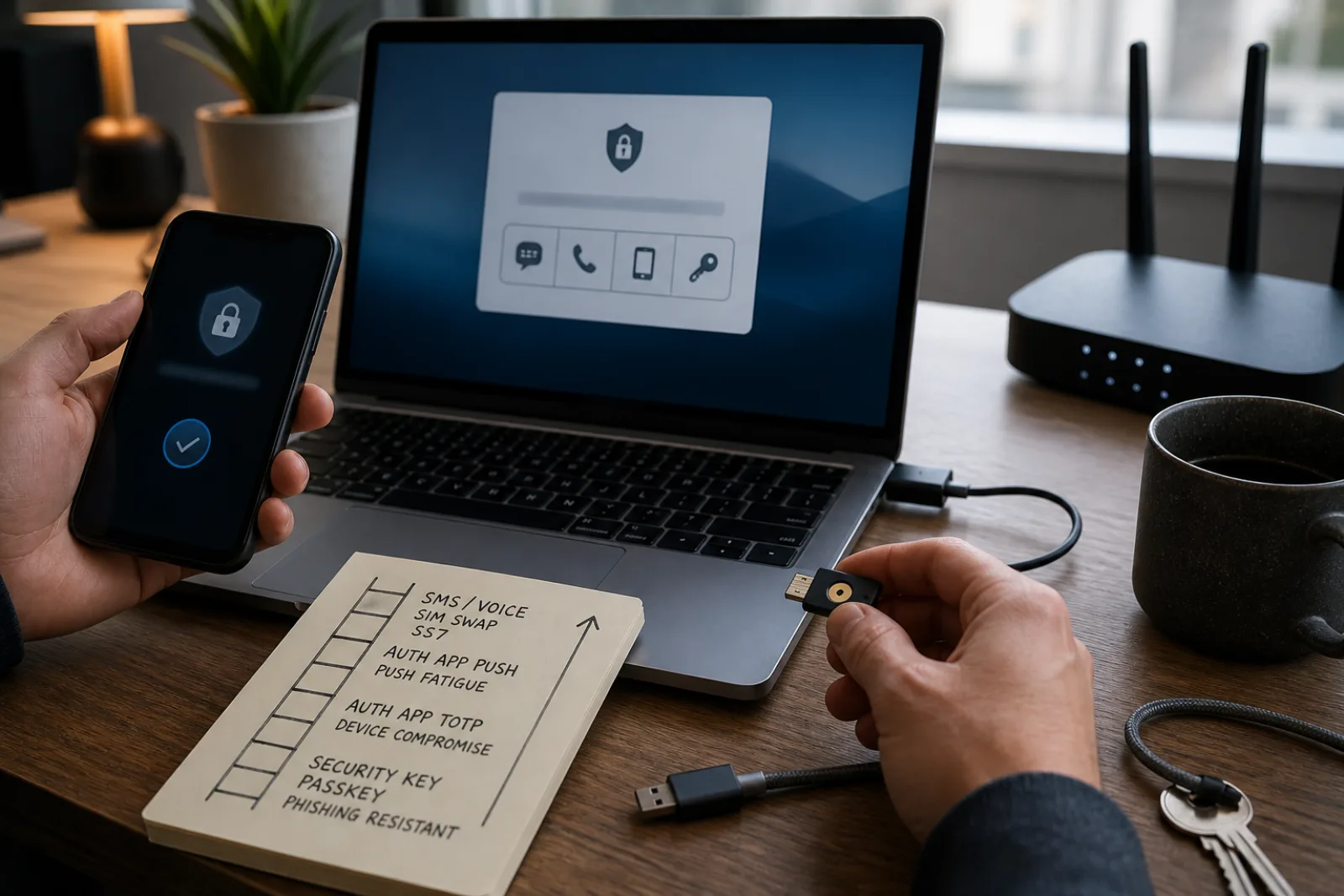
FIDO is explicit that passkeys standing alone are meant to be stronger than password plus SMS or password plus a push prompt, because those second factors are still phishable. That is the argument for turning passkeys on at your email, bank, and Apple or Google account. It is not an argument that the IRS portal, the HOA site, and the old forum have caught up.
NIST's password-manager notes still apply to that remainder: long master passphrase, unique generated passwords, MFA on the vault, and skepticism toward a manager that will email you the master password. Permit paste, which 800-63 already asked sites to do, is how the manager enters a password field without you retyping.
Synced passkeys are a cloud copy of a private key, end-to-end encrypted, according to FIDO. That is a different threat model from a key that never leaves a YubiKey. For a household email account, sync is how you still log in after a cracked screen. For a production cloud root, device-bound is how you sleep. Password managers compared and how to choose a password manager are the product pages. This page is only the division of labor.
Credential plus box
- 01
Passkeys where offered. Unique passwords in a manager everywhere else.
- 02
If you change phone brands, a cross-platform passkey provider is the FIDO-documented path.
- 03
Hardware-bound keys for the few accounts that deserve one copy of the secret.
Questions
- 01If I create a passkey, should I delete the password?
Only after you have signed in with the passkey on a second device and you know the account's recovery path. Some sites still need the password as fallback. How to understand passkeys before switching covers that trap.
- 02Are Apple passkeys and Google passkeys different standards?
No. FIDO: passkey is a common noun for FIDO2 credentials. The difference is the provider that stores and syncs them, not a different kind of math.
- 03Does a passkey replace my password manager's 2FA codes?
On that site, the passkey is the sign-in. You may still keep TOTP in the manager for sites without passkeys. Do not throw away the authenticator app on day one.