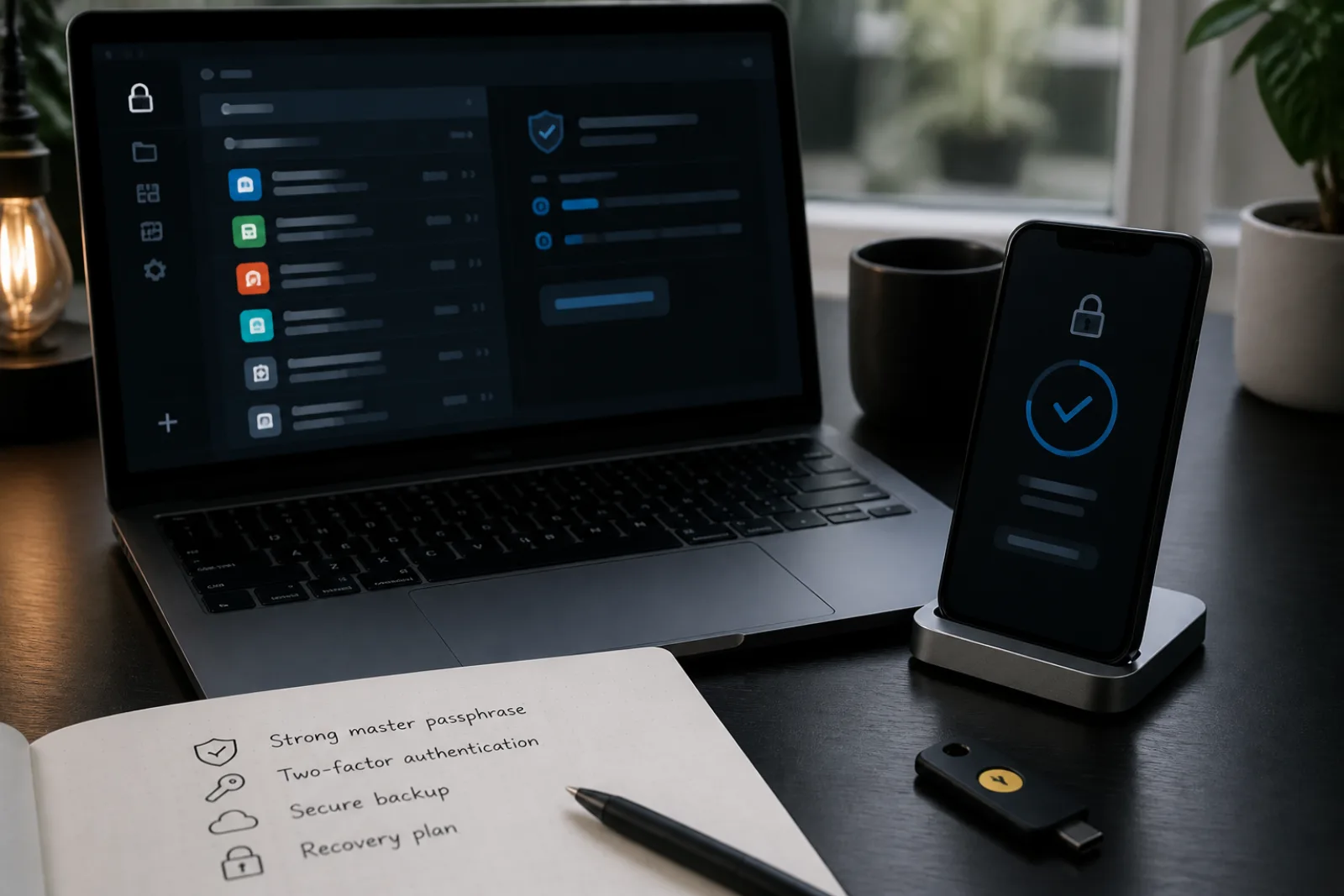
The case for a password manager stopped being debatable a few years ago. NIST's current digital identity guidelines require that any system accepting passwords allow the use of a password manager and the paste function, an explicit reversal of older advice that treated pasted passwords as a red flag. CISA lists a password manager as one of four baseline actions in its public Secure Our World campaign, alongside multifactor authentication and software updates. The reasoning is simple: a person cannot memorize forty unique, long passwords, and reusing one password across accounts means a breach at any single site, even an unimportant one, can be tried against your bank, your email, and everything else.
What's actually worth researching, and what most comparisons skip, is not whether to get a password manager but how the specific one you pick protects the vault itself, and what your options are the day you can't get into it. A password manager takes dozens of separate risks and concentrates them behind one master credential. That's the entire point, and it's also the thing to interrogate before you commit.
Adopt it only if recovery exists first
Can you get back into the vault if the master password is gone?
- 01No printed kit, no emergency contact, no encrypted export
Do not import the rest of your life yet. A zero-knowledge vault with no recovery path is a single point of permanent loss.
- I will set those up todayThen the manager is worth adopting. NIST and CISA already settled the reuse problem.
- 02I have a physical Emergency Kit or recovery codes stored offline
That covers you forgetting the credential. It does not cover the vendor shutting down.
- I have not exported the vaultExport encrypted JSON on a calendar. Portability is a different failure than amnesia.
- 03Someone I trust can request emergency access
Bitwarden-style takeover after a wait is for incapacity, not for a forgotten password you can still reset yourself.
- The contact is also in the vault as a noteMove that material out. Recovery that lives only inside the lock is not recovery.
Start with what NIST actually specifies for the passwords themselves, since a manager is only as useful as the passwords it generates. SP 800-63B requires verifiers to accept passwords at least 64 characters long and, notably, forbids them from imposing composition rules like mandatory mixes of symbols, numbers, and capital letters, because that kind of rule tends to produce predictable patterns (Password1!, Password2!) rather than genuine randomness. It also forbids forced periodic password changes unless there's actual evidence of compromise. CISA's own consumer guidance lands in a similar place: a strong password is long, at least 16 characters, and either fully random or built from five to seven unrelated words as a passphrase, not a short string stuffed with substitutions like the classic "P@ssw0rd."
A password manager's generator can produce a unique password meeting that bar for every account in seconds, and, since you never type or memorize it, length stops being a usability problem. That's the mechanical case for adopting one. The harder question is what happens to the vault holding all of them.
1Password's public documentation is a useful window into how a well-built vault is actually protected, because the company has been unusually specific about the architecture. Your vault is encrypted using a key derived from two separate secrets: your account password, which you choose and remember, and a locally generated Secret Key with 128 bits of entropy that never leaves your devices and is never transmitted to 1Password's servers. The account password alone averages roughly 40 bits of entropy, memorable but crackable with enough computing power; the Secret Key supplies the rest, so that even if 1Password's servers were breached, an attacker would have encrypted data and no way to derive the key needed to read it. 1Password states plainly that it has no record of your Secret Key and cannot recover it for you, which is the definition of a zero-knowledge system: real security, but real consequences if you lose the pieces.
Bitwarden's model centers the master password directly (with your vault encrypted client-side before it ever reaches Bitwarden's servers), and offers a separate feature, emergency access, for what happens if you become unreachable. According to Bitwarden's help documentation, you can designate a trusted emergency contact with either view access (read-only) or takeover access, which lets them set a new master password after a waiting period you configure elapses. That waiting period is the safeguard: it gives you a window to reject the request if it's not actually an emergency, while still giving a spouse, family member, or business partner a real way in if you're incapacitated.
| Mechanism | 1Password | Bitwarden |
|---|---|---|
| Vault encryption basis | Account password + locally stored Secret Key (128 bits of entropy), combined to derive the encryption key | Master password, used client-side to derive the encryption key before any data reaches Bitwarden's servers |
| What the vendor can recover if you forget your credential | Nothing; 1Password states it has no record of the Secret Key and cannot recover it | Nothing for the master password itself under standard settings; recovery depends on features you set up in advance |
| Planned-ahead recovery option | Emergency Kit: a printable PDF holding your account details and a space to record your password, meant to be stored physically offline | Emergency Access: a trusted contact granted view or takeover rights after a configurable waiting period |
| Vault export for backup or migration | Supported via account export tools | CSV, JSON, or encrypted JSON, with encrypted JSON recommended for the most complete and secure backup |
That comparison points at the real decision criteria: MFA support on the vault itself, export options, and cross-device access, the same three the old working notes for this piece flagged, but the specifics matter more than the categories. Every credible password manager supports two-factor authentication for unlocking the vault (an authenticator app code or a hardware security key, layered on top of the master password), and you should turn that on immediately, since the vault is now the single account that, if compromised, exposes everything else. Cross-device access is close to universal at this point too; the meaningful difference is usually whether syncing happens through the vendor's own cloud or whether you can self-host, which matters mainly to people with specific compliance or trust requirements rather than typical consumers.
Export and recovery deserve more attention than they usually get, because they solve two different problems. An export (CSV or encrypted JSON, depending on the tool) is your defense against the vendor itself: if the company shuts down, changes pricing in a way you don't like, or has an outage, an export lets you move your data elsewhere. Emergency access or a physical backup kit is your defense against losing your own credential: if you forget the master password or the Secret Key and no one else has any way in, a genuinely zero-knowledge vault is, by design, unrecoverable. That's not a bug to be fixed with a support ticket; it's the tradeoff you accepted in exchange for the vendor never being able to read your data either.
Setting up a password manager without locking yourself out later
- 01Turn on MFA for the vault itself before importing any passwords
An authenticator app or hardware key on the manager account, in addition to the master password, is the single highest-value step.
- 02Store recovery material offline, physically, not as a note inside the vault it protects
A Secret Key, printed Emergency Kit, or account recovery codes stored inside the vault they unlock defeats the purpose if the vault becomes inaccessible.
- 03Set up an emergency contact or designated backup person if the tool offers one
Bitwarden's Emergency Access and similar features exist specifically so someone you trust can get in if you can't, without you having to share your password today.
- 04Export an encrypted backup periodically
Confirms your data is portable and gives you a fallback independent of the vendor staying in business or accessible.
- 05Let the generator make passwords 16+ characters, and don't reuse the manager's own master password anywhere else
Matches CISA's baseline length recommendation; reusing the master password anywhere defeats the entire model.
Questions
- 01Is it safe to let my browser generate and store passwords instead of using a dedicated manager?
Built-in browser managers have improved and now support syncing and some MFA protection, but dedicated managers generally offer stronger vault architecture (like 1Password's separate Secret Key) and features like emergency access and cross-browser use that built-in tools typically lack.
- 02What happens to my passwords if the password manager company goes out of business?
This is exactly what vault export protects against. Export your vault periodically in an encrypted format so you have an offline copy independent of any single vendor staying operational.
- 03Do I still need unique passwords if I'm also using passkeys where available?
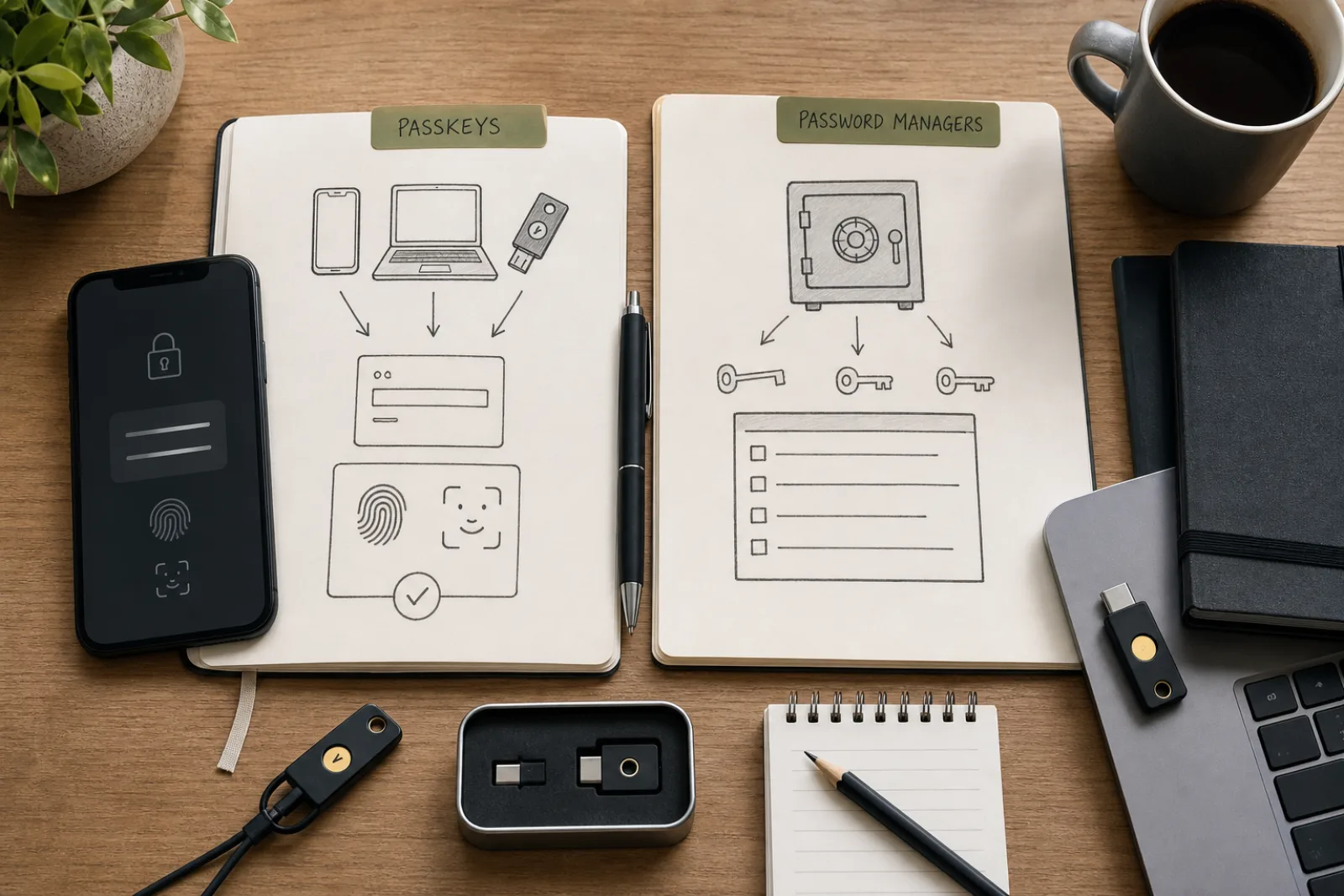
Yes, for any account that doesn't yet support passkeys, which is still most of them. A password manager and passkeys aren't competing tools; most managers, including 1Password and Bitwarden, now store and sync passkeys alongside passwords in the same vault.
The tool itself has become a settled recommendation from both a standards body and a federal cybersecurity agency, which is not something you could say about most consumer software advice. What still requires a real decision is how much you trust a given vendor's vault architecture, and whether you've actually set up the recovery path before you need it, not after. Do that once, properly, and the password manager becomes close to invisible: a generator that hands you a strong, unique credential every time, without asking you to remember any of them.